
Injector coding is a required step after replacing or swapping diesel injectors on many Volvo models. With VDASH (by D5T5), you can perform injector coding through the OBD-II port using a compatible interface such as Mongoose J2534 tai Volvo DiCE.
This guide explains what you need, what it costs, and how the process typically works.
What is injector coding (and why it matters)?
Injector coding writes each injector’s calibration/code into the ECU (Engine Control Unit) so fueling corrections match the exact injector characteristics. If codes are missing or incorrect, the engine may run rough, smoke, consume more fuel, or trigger fault codes.
Note: exact requirements vary by engine family and model year. If you’re unsure, confirm by reading current injector values in diagnostics first.
Requirements (software + subscription + interface)
1) VDASH software
VDASH is a Windows-based Volvo diagnostics and programming tool that works via OBD-II and requires an internet connection. It supports many Volvo platforms from ~1999 to present (platform coverage depends on model). VDASH includes diagnostics (DTC read/clear), service resets, configuration changes, module cloning options, key pairing functions, injector coding, and more features listed here:
VDASH – Volvo Diagnostic (features overview)
2) Subscription required for injector coding
To unlock injector coding in VDASH, you need the SMALL subscription (account-bound).
- SMALL subscription price: 10 € / year (VAT excl.)
- What it unlocks:
- Injector coding access
- Unlimited VINs on your account (the free/sponsored tier is limited to 3 VINs)
Source pricing table:
VDASH subscription types & prices (D5T5)
3) Pay-per-car injector coding fee (24-hour window)
With the SMALL subscription active, injector coding is typically purchased as a per-VIN function:
- Injector coding function: 15 € (VAT excl.)
- Availability: 24 hours for one car (one VIN)
Source:
VDASH subscription types & prices (D5T5)
Pricing note (accuracy): D5T5’s table is the controlling source for VDASH pricing. If you mirror these prices on your site, keep them labeled “VAT excl.” and consider adding “Prices may change—check D5T5 cart for the final amount.”
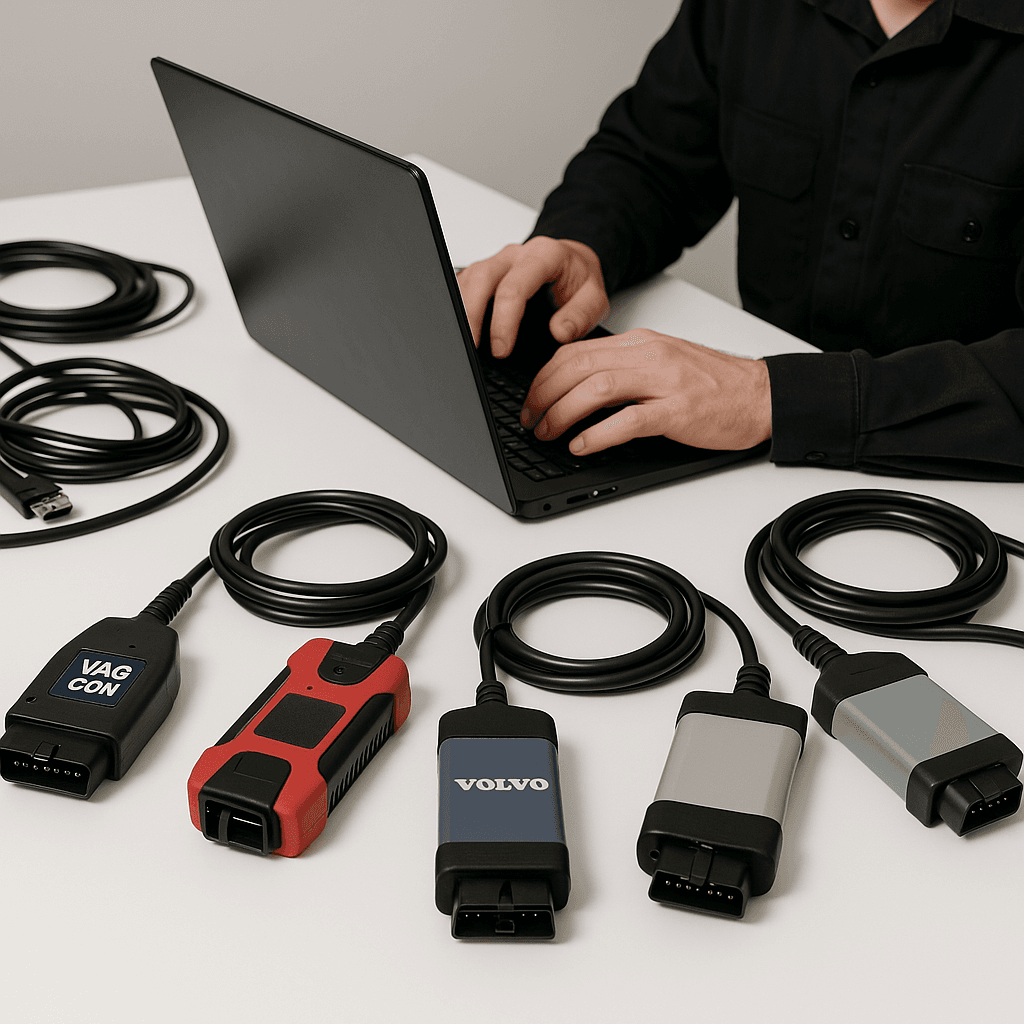
Compatible tools (interfaces) for injector coding
You can code injectors using either of these popular options:
Option A: Mongoose J2534 (recommended for better reading speeds)
A J2534 pass-thru interface designed for stable communication and easy use with VDASH.
Product link:
Mongoose J2534 Pro Tool
Option B: Volvo DiCE (Full Chip or J2534)
Volvo DiCE-style interface (including variants marketed as Full Chip / J2534), commonly used across Volvo diagnostic workflows.
Product link:
Professional Volvo DiCE with J2534 or Full Chipset M32C
Trademark note: All trademarks are the property of their respective owners; use does not imply affiliation or endorsement.
Step-by-step: how injector coding in VDASH typically works
This is the standard workflow most workshops follow:
- Prepare the car
- Battery support/charger recommended (programming stability).
- Ignition ON, engine OFF (unless VDASH instruction says otherwise).
- Confirm injector codes are readable on the injector body (or packaging).
- Connect the interface
- Plug Mongoose J2534 tai DiCE into OBD-II and connect to the laptop.
- Open VDASH and connect
- VDASH identifies the vehicle and VIN, then displays available functions.
- Verify account status
- Ensure SMALL subscription is active (injector coding enabled + unlimited VINs).
- Purchase/activate injector coding for the VIN
- Add Injector coding (15 € VAT excl.) to cart for that VIN (24-hour access).
- Enter injector codes
- Select injector coding function and input each cylinder’s injector code exactly.
- Write/confirm
- VDASH programs the ECU and confirms completion.
- Clear DTCs if needed and verify smooth idle and corrections.
- Post-check
- Read live data / adaptations (where available), check for leaks, and road test.
[Evidence needed: exact on-screen path names inside VDASH for injector coding on each Volvo platform/engine type, as menus may differ.]
What else VDASH can do
VDASH isn’t only for injector coding. Depending on the vehicle/platform, it can also help with:
- Reading/clearing fault codes (DTCs)
- Service interval reset (SRI)
- Configuration changes (feature activation/deactivation)
- Key/remote work (supported models)
- Module cloning options (supported modules)
- Live logging and readiness codes
- CEM/ECM PIN-related functions (where applicable)
Full feature overview from the vendor:
VDASH – Volvo Diagnostic (official feature list)
Jaa sosiaalisessa mediassa!
Myydyimmät tuotteet





 EN
EN DE
DE NL
NL FR
FR ES
ES FI
FI IT
IT NB
NB DA
DA SV
SV