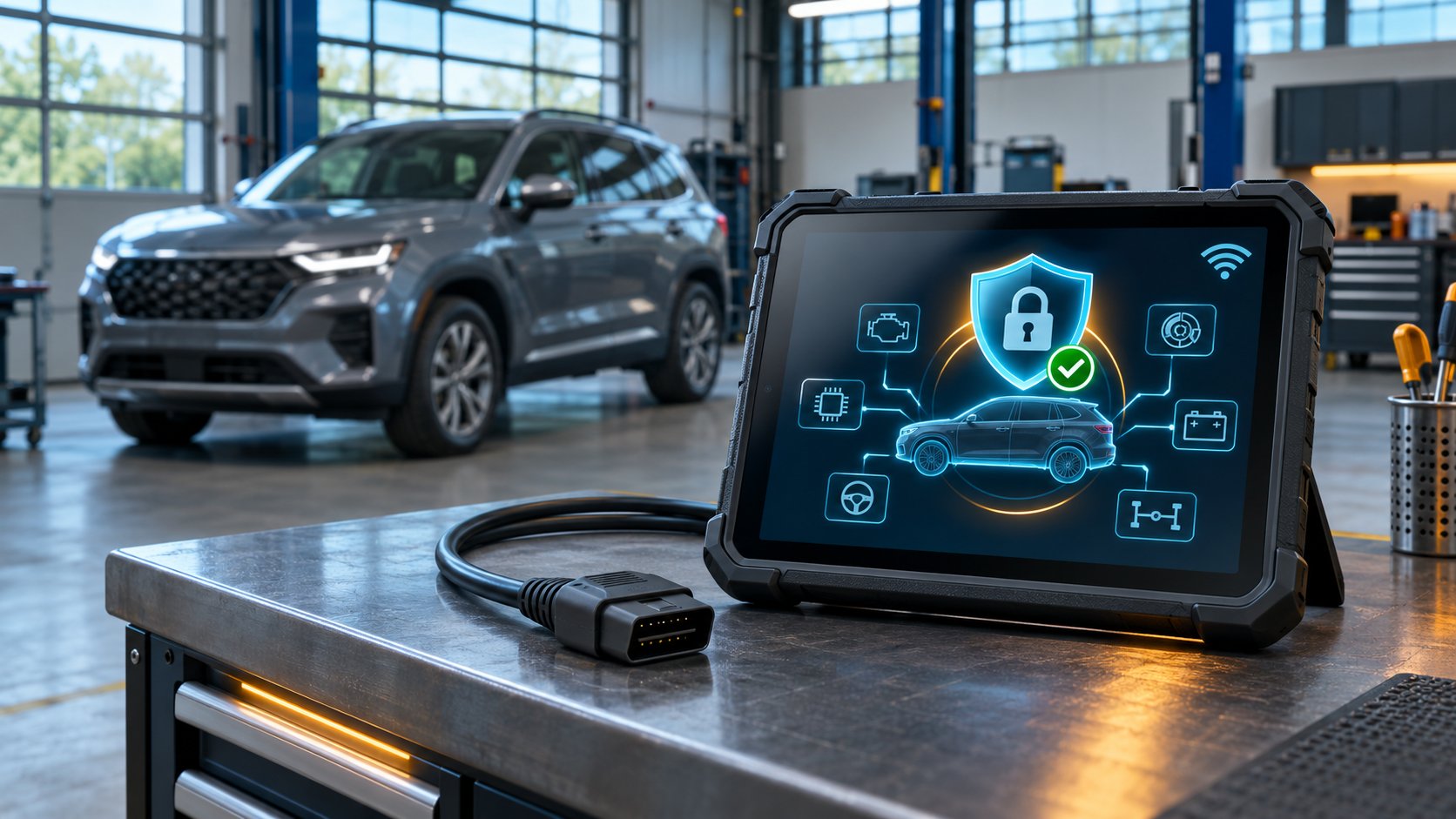
A scanner can identify an FCA vehicle, read fault codes and display live data yet still refuse to clear a code, run an actuator or complete a relearn. On many newer Chrysler, Dodge, Jeep, Ram, Fiat and Alfa Romeo vehicles, that behavior is deliberate: a security gateway controls access to diagnostic commands that can change vehicle state.
En FCA AutoAuth scanner provides a supported way for an authenticated technician and registered tool to request access through that gateway. The feature is valuable, but the label alone does not guarantee every function on every vehicle. Region, account status, tool registration, software version and exact model coverage all matter.
What is the FCA secure gateway?
The Security Gateway Module, commonly shortened to SGW, acts like a firewall between the diagnostic connector and protected vehicle networks. FCA introduced it to reduce unauthorized commands and help protect electronic modules from cyberattack. Bosch’s official gateway guidance says FCA implemented the SGW starting with most 2018 models, although equipment and coverage still vary by market and model.
The gateway does not necessarily block all communication. A compatible aftermarket scanner may still perform read-only work, such as identifying modules, reading diagnostic trouble codes and viewing live data. Commands that alter state are the usual point of restriction. The same guidance lists clearing DTCs and bidirectional functions—including calibrations, relearns, actuations and adjustments—as operations that require authenticated access on applicable FCA vehicles.
What AutoAuth changes
AutoAuth is an independent authentication service that works with vehicle manufacturers and participating diagnostic-tool vendors. It verifies the shop or technician and the registered tool, then supplies the authorization needed for supported secure functions through the OBD port.
AutoAuth does not remove the gateway, bypass it with extra wiring or add diagnostic functions the scanner never had. It authenticates an approved tool for a supported session. The scanner still needs application coverage for the requested test, reset, calibration or relearn.
That distinction explains three common results:
- Read-only access works: the tool can retrieve codes and data without unlocking protected commands.
- A function appears but is denied: the vehicle and tool support it, but the gateway requires authentication.
- A function is absent: AutoAuth cannot create coverage that is missing from the scanner software.
What you normally need before connecting
- A supported diagnostic platform. Check the tool maker’s current secure-gateway list, not only a retailer’s feature icon.
- An active AutoAuth account or plan. Account types, limits and fees can change, so confirm them directly with AutoAuth.
- The tool registered to the correct shop. AutoAuth associates the diagnostic unit or its VCI serial number with an account.
- Current diagnostic software. The required app and FCA software versions depend on the manufacturer and tool.
- Internet access. Authentication is performed online, so stable workshop connectivity is normally required.
- Exact vehicle coverage. Verify make, model, year, market and intended function before beginning work.
XTOOL’s official FCA and SGW instructions describe North American access through AutoAuth, tool registration and current software. They also restrict AutoAuth accounts to designated regions and publish an authorized-model list. Because those details change, confirm that your exact XTOOL model is on the current list before relying on an advertised AutoAuth feature.
How an authenticated diagnostic session works
The exact menus differ, but the supported process is straightforward. The technician identifies the vehicle, enters a function that requires gateway access, signs in when prompted and allows the scanner to request authorization online. When the service accepts the account and registered tool, the gateway permits supported commands for the session.
Authentication does not replace normal service precautions. Use a suitable power supply when required, follow the vehicle manufacturer’s procedure, resolve communication faults, and do not interrupt programming, calibration or safety-system routines. For more context on what a command actually does, see our guide to bidirectional tests and service functions.
Choosing an FCA AutoAuth scanner
Current SpeedXperts listings advertise FCA AutoAuth on several in-stock tools. The compact XTOOL D5S targets five major systems and selected service work. The XTOOL A30D V2.0 adds wireless full-system diagnostics and active tests through a phone or tablet. The XTOOL D7 V2.0 is a dedicated tablet with broader workshop-oriented functions.
These products differ in system coverage, active tests, service functions, coding capability, hardware and update terms. AutoAuth support should therefore be one line in the buying checklist rather than the entire decision. Compare the work you actually perform, then verify the secure-gateway region, tool serial registration method and vehicle coverage with the manufacturer. More options are available in the kategorien »diagnostiske værktøjer«.
Why AutoAuth access can fail
If read-only diagnostics work but a protected command fails, check the account and tool before blaming the vehicle. Frequent causes include an expired plan, a serial number attached to another shop, unsupported tool hardware, outdated software, incorrect credentials, weak internet service or use outside an approved region. The function may also be unavailable for that specific control module.
A gateway-unlock message is not proof that the repair itself is correct. Confirm the fault, prerequisites and workshop procedure before clearing codes or initiating a relearn. Security access authorizes a command; it does not validate the diagnosis.
AutoAuth is separate from CAN FD and protocol support
Secure access is one layer of compatibility. The scanner also needs the physical interface and communication protocols used by the vehicle. CAN FD support, for example, allows a tool to communicate on certain newer high-speed networks; AutoAuth supplies credentials for protected commands. One cannot substitute for the other.
A tool may therefore support CAN FD but lack approved secure-gateway access, or support AutoAuth while offering only limited system coverage on a particular vehicle. Our CAN FD scanner guide explains the protocol distinction. Check protocol, vehicle coverage, protected-function access and update eligibility as separate purchase requirements.
Ofte stillede spørgsmål
Do I need AutoAuth just to read codes?
Often no. Read-only functions can remain available on SGW-equipped vehicles, while clearing codes and commands that change vehicle state require authentication. The behavior depends on the vehicle and tool.
Does FCA AutoAuth mean the scanner supports every FCA vehicle?
No. AutoAuth provides secure access, while the scanner manufacturer supplies vehicle and function coverage. Both must support the exact application.
Can I use AutoAuth without internet access?
Supported workflows normally authenticate online. Check the tool maker’s requirements and provide a stable connection before starting a protected procedure.
Is a gateway bypass cable the same as AutoAuth?
No. AutoAuth is an authorized credential-based service used by participating tools. It does not depend on bypassing the vehicle’s security architecture.