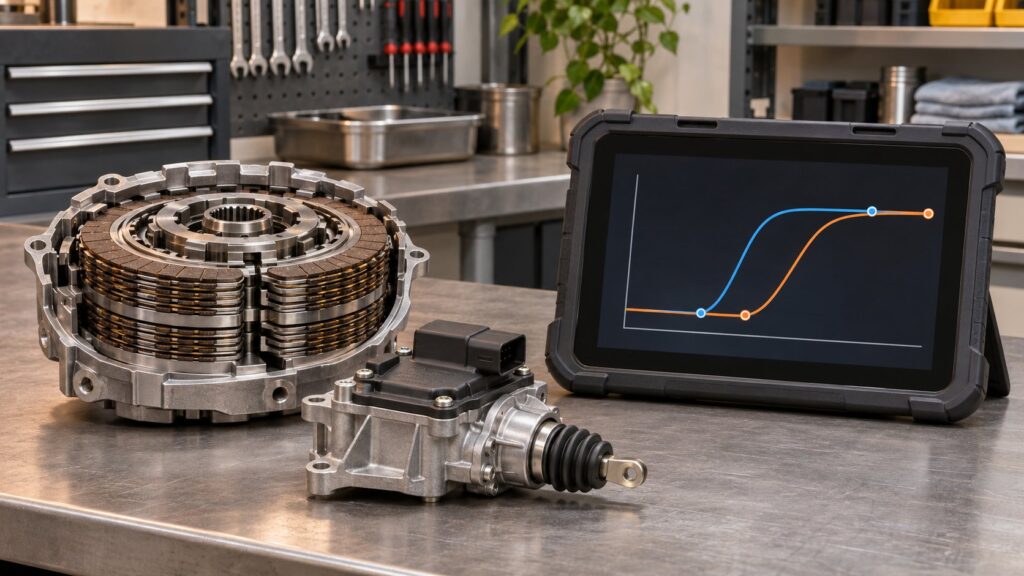
Speed limiter programming changes an approved vehicle configuration or software calibration that controls maximum road speed. On supported fleet and commercial vehicles, the work may involve writing a parameter, loading a manufacturer calibration or programming the powertrain control module. A scan-tool menu does not mean every limiter can be changed, raised or removed.
The correct setting can be tied to tires, driveline design, fleet policy, vehicle certification, insurance and local law. Treat the function as controlled module configuration, not as a performance shortcut.
What a vehicle speed limiter does
An electronic limiter uses vehicle-speed information and engine or powertrain control to prevent acceleration beyond a configured threshold. The controller may reduce torque, alter throttle command or manage fuel delivery as the vehicle approaches the limit. The exact strategy depends on the platform.
Limiters serve different purposes. A fleet may order a lower maximum speed for operating policy. A commercial vehicle may expose an authorized parameter range. A manufacturer may use a fixed protective limit related to tires or other hardware. Some vehicles also have driver-profile, key-based or temporary assistance functions that are separate from the permanent module configuration.
Because these systems differ, the words “speed limiter” on a diagnostic tablet do not describe one universal operation. The tool must identify the vehicle, communicate with the correct module, and offer the procedure supported by that calibration.
Parameter change, coding and programming are different
| Operation | Typical purpose | Main limitation |
|---|---|---|
| Parameter configuration | Writes an approved value from a supported range | The value may require OEM credentials, server access or fleet authorization |
| Variant coding | Configures equipment or market options represented in module data | Does not create a calibration that the vehicle never supported |
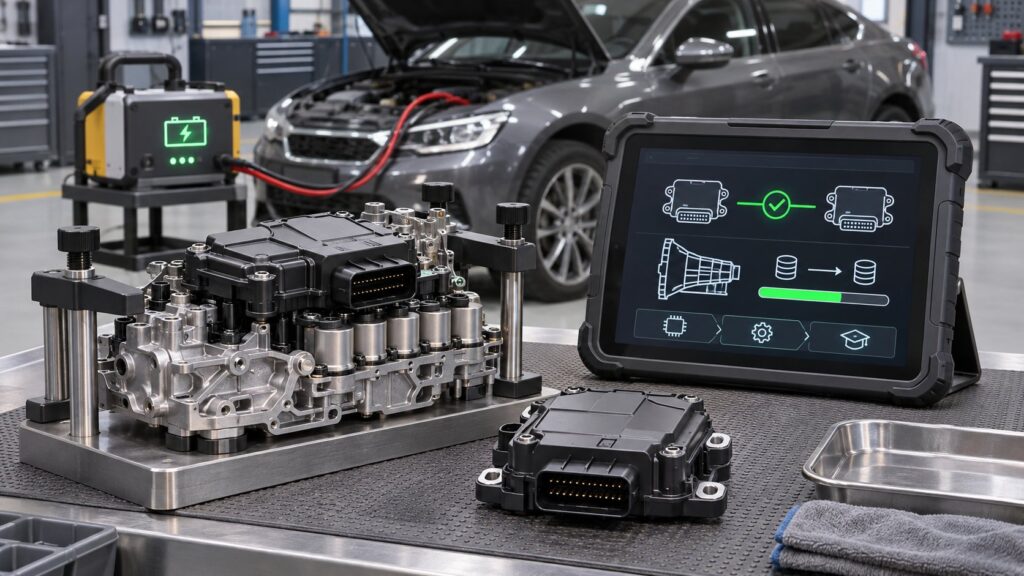
| Module programming | Loads manufacturer software or a calibration package | Requires exact files, stable power and an uninterrupted process |
| Aftermarket tuning | Modifies engine or transmission calibration outside ordinary service configuration | Is not the same as an OEM scan-tool speed-limiter function |
A Ford service procedure for specified 2019 Transit Connect fleet vehicles illustrates the difference. The optional limiter calibration had not been programmed correctly, and the repair required a PCM software update with FDRS. Ford explicitly noted that IDS could not perform that programming on those vehicles. A generic limiter menu would not substitute for the named OEM process.
Why tire rating and vehicle specification come first
Maximum speed is not only a software decision. Tires have speed capabilities under defined load, inflation and operating conditions. Axles, shafts, wheel assemblies, brakes and body equipment may also affect the approved configuration. Increasing a parameter without confirming the complete specification can remove a protection that exists for a reason.
GM recall N202325530, “Speed Limiting Exceeds Tire Rating”, shows the safety relationship directly. Its remedy reprogrammed affected vehicles because the limiting speed could exceed the tires’ rating. The lesson is broader than that recall: confirm the VIN-specific build, tire placard, installed tires and manufacturer instructions before any change.
When the function may be appropriate
Legitimate service cases can include:
- installing or correcting an OEM-approved fleet limiter option;
- restoring configuration after authorized PCM replacement or programming;
- completing a manufacturer campaign or service procedure;
- changing a supported commercial-vehicle fleet parameter within its permitted range; or
- verifying that the stored setting matches documented customer or fleet requirements.
Commercial platforms can expose speed-limiter data in professional parameter software. A Daimler Trucks recall procedure, for example, shows DiagnosticLink parameter categories that include Speed Limiter. That interface evidence does not establish that every user may change every value. Server records, permissions, component configuration and OEM rules still apply.
What a scan tool cannot guarantee
A service function cannot guarantee that a particular vehicle supports a requested value. It cannot make unsuitable tires safe, approve an undocumented fleet change, legalize a prohibited modification or eliminate an OEM hard limit embedded elsewhere in the powertrain. It also cannot repair a speed-sensor fault, network problem or module that will not accept programming.
Do not assume that lowering and later restoring a limit will always be simple. Programming may change other module data, trigger relearns, reset inspection monitors or require online synchronization. Save the original configuration and complete the exact OEM workflow.
A responsible programming workflow
- Confirm authority. Document the registered owner or fleet authorization, requested setting and business reason. Check applicable laws, insurance terms and company policy.
- Identify the vehicle precisely. Use the full VIN, build data, module numbers, calibration level and installed powertrain. Similar vehicles may use different procedures.
- Verify the hardware specification. Check the certification and tire labels, actual tire size and rating, load requirements, driveline configuration and any body-builder limitations.
- Scan and save. Record all module faults and back up the original configuration where the approved tool provides that option.
- Confirm tool coverage. Determine whether the job is a parameter write, coding task or software program and whether OEM credentials or server access are required.
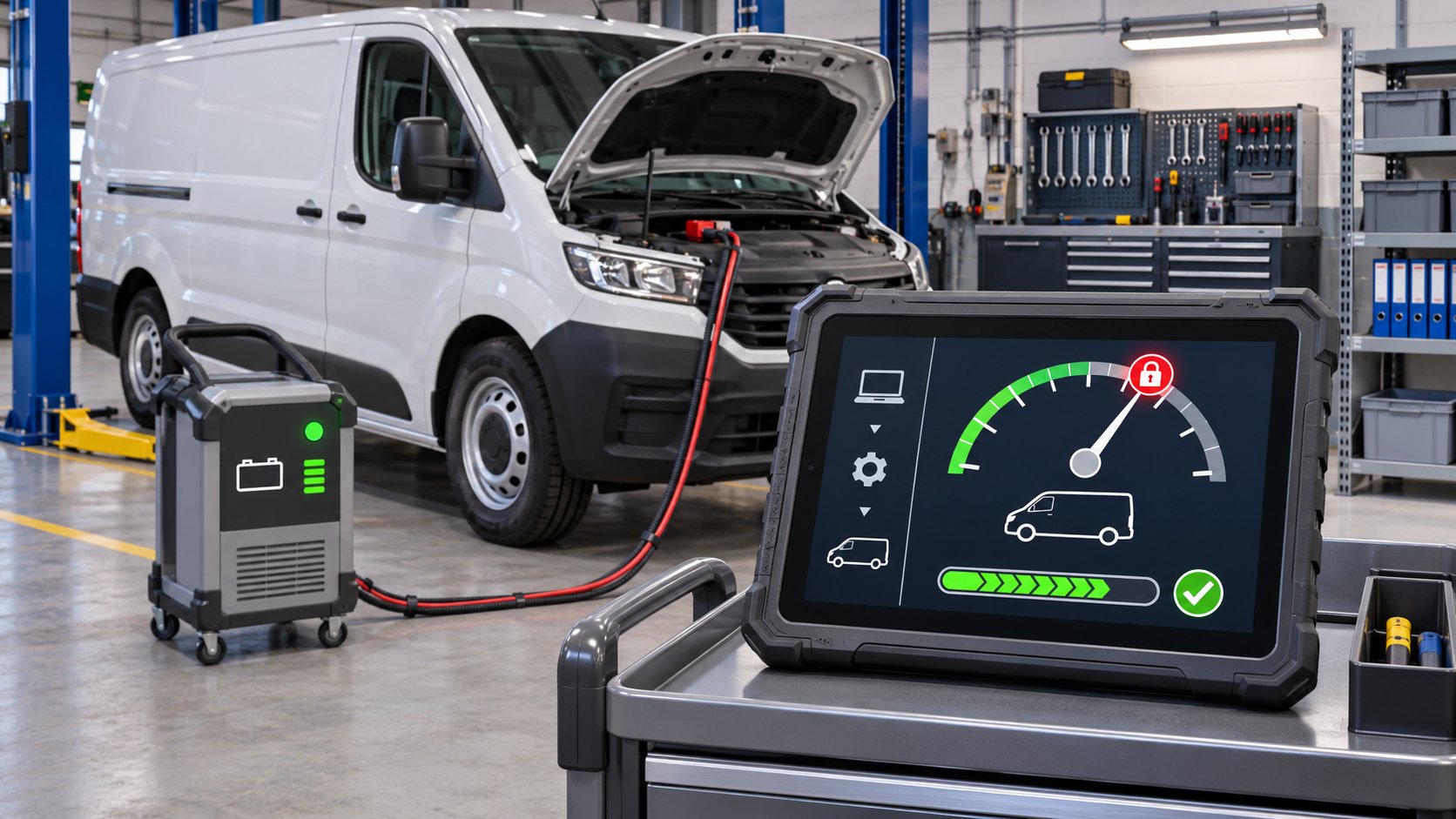
- Prepare stable power and communication. Use the manufacturer-specified programming support unit, wired connections where required and current software. Turn off unnecessary electrical loads.
- Write only the approved value. Verify the VIN and every prompt before committing. Do not guess at a maximum or copy a setting from another vehicle.
- Complete post-programming work. Clear only the codes directed by the procedure, perform required relearns, rescan all modules and confirm the stored parameter.
- Verify safely. Use the OEM verification method or an authorized controlled facility. Do not test a maximum-speed setting on public roads.
Programming safety matters
The GM recall procedure warns that unstable voltage or an interrupted connection can cause programming failure or module damage. It also requires correct VIN selection. Ford’s procedure similarly calls for battery support and careful on-screen execution. A normal battery charger is not automatically an approved programming support supply; follow the voltage and connection instructions for the exact vehicle.
Programming should stop if identification is wrong, communication is unstable or unrelated faults can interfere. Keep the vehicle stationary, transmission in the specified position and ignition mode exactly as instructed.
Choosing a diagnostic tool
The current XTOOL D7 V2.0 listing includes Speed Limiter Functions. That is a catalog-level capability, not a promise of support for every vehicle, value or authorization path. Confirm make, model, year, module and intended operation with current coverage information before purchase.
Our guide to active tests and service functions explains why a menu label differs from programming coverage. The diagnostic-tool buyer’s guide covers broader selection factors, and the categoría «herramientas de diagnóstico» lists current alternatives.
Speed limiter programming FAQ
Can any bidirectional scanner remove a factory limiter?
No. Bidirectional control does not guarantee coding or programming support, and many fixed limits are not exposed as ordinary service parameters.
Can I copy the setting from a similar vehicle?
No. Use the connected vehicle’s VIN-specific configuration and approved values. Tires, powertrain, market and fleet equipment can differ.
Speed limiter programming is appropriate when the vehicle, hardware, authorization and OEM procedure all support the change. Verify those conditions first, preserve the original data, and treat the write with the same care as any other safety-relevant module programming.