


Description
The OPCOM PIC18F458 CAN‑BUS interface is one of the most powerful and widely used diagnostic tools for Opel and Vauxhall vehicles. Designed specifically for GM/Opel platforms, this dealer‑style diagnostic scanner gives you deep access to vehicle systems that generic OBD2 scanners cannot reach.
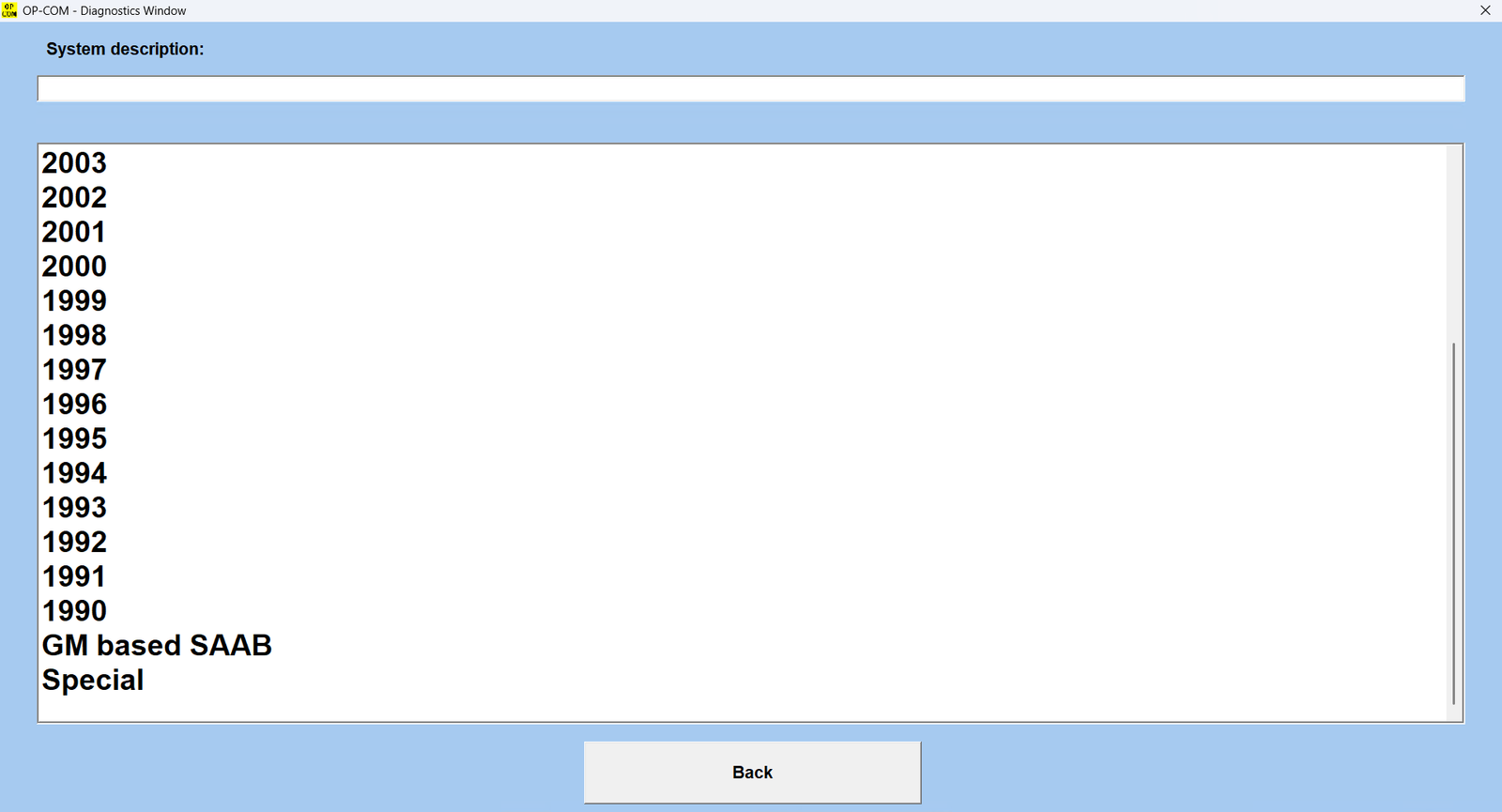
Built with the reliable FTDI FT232 + PIC18F458 chipset combination and supporting CAN‑BUS, ISO9141, and KWP2000 communication protocols, OPCOM allows you to perform advanced diagnostics, coding, module resets, live data monitoring, immobilizer programming, and service functions on most Opel/Vauxhall vehicles from approximately 1990–2021.
Unlike many unstable V1.99 clones, this version uses firmware V1.70, which supports proper firmware flashing and significantly better reliability.
Whether you’re diagnosing an engine problem, programming a replacement module, resetting service lights, or troubleshooting CAN communication faults, OPCOM delivers dealership‑level access directly from your laptop.
✅ Key Features – OPCOM PIC18F458 CAN‑BUS OBD2 for Opel
🔧 Supports Opel Vehicles with CAN‑BUS
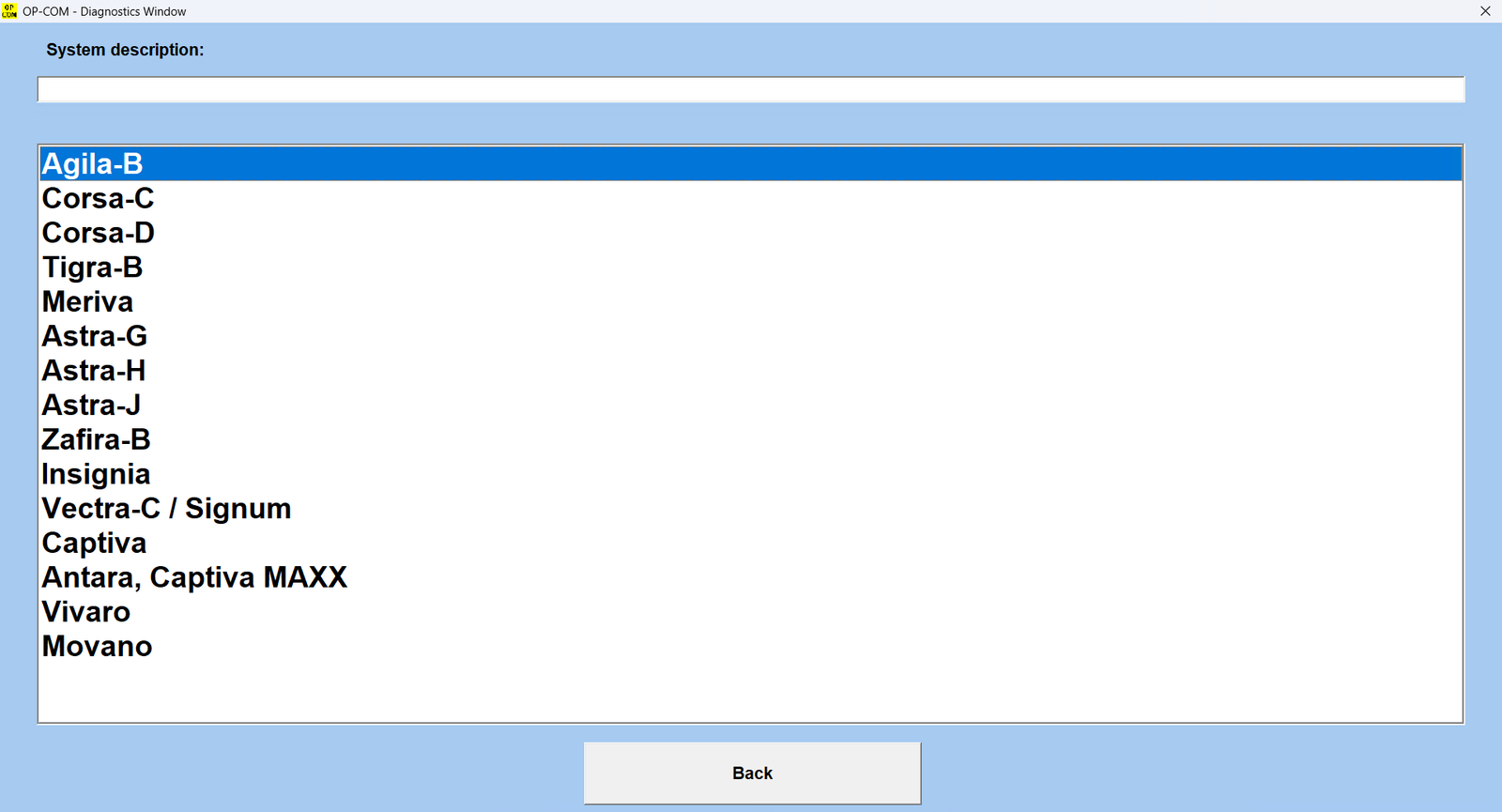
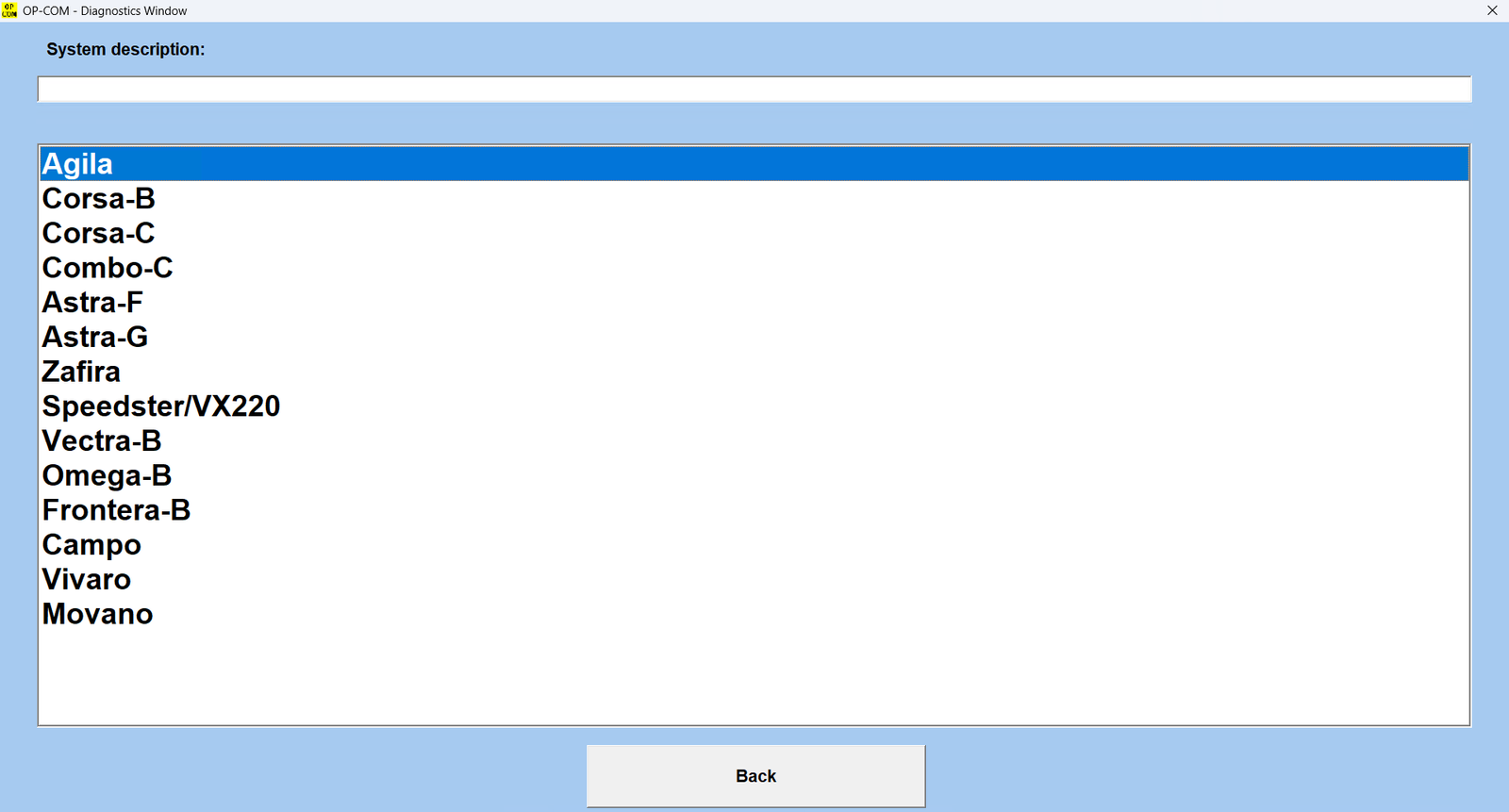
Works with most Opel/Vauxhall models, including Astra‑H, Zafira‑B, Vectra‑C, Insignia, Corsa, Meriva, Omega, Signum, Antara, and more.
⚙️ Firmware Version V1.70
Allows flash firmware updates, unlike unstable V1.99 tools.
💡 Live Data Monitoring & Output Testing
View 8 parameters at once and test vehicle components in real‑time.
🛠️ Full OBD2 Diagnostic Capabilities
Read/clear fault codes with full status (present, intermittent), view measuring blocks, and perform advanced diagnostics.
🔐 Key & Immobilizer Programming
Learn keys and remotes, reset immobilizer items (ECM, BCM, IPC), and code airbags (SAB6, SAB8).
💻 Windows Compatibility
Best performance on Windows XP/7 32‑bit. Works on Windows 10/11 with Windows Security turned off.
🚫 Do Not Update Online
Doing so will damage the interface.
🧠 Technical Specifications
- Software Version: OPCOM 2021 (200603a), V2014, V2012, V2010
- Firmware Version: V1.70
- Main Chips: FTDI FT232RL/FT232RQ + PIC18F458
- Software Language: English (2012, 2014); Multi‑language available in 2010 version
- Protocols Supported: ISO9141, KWP2000, CAN‑BUS
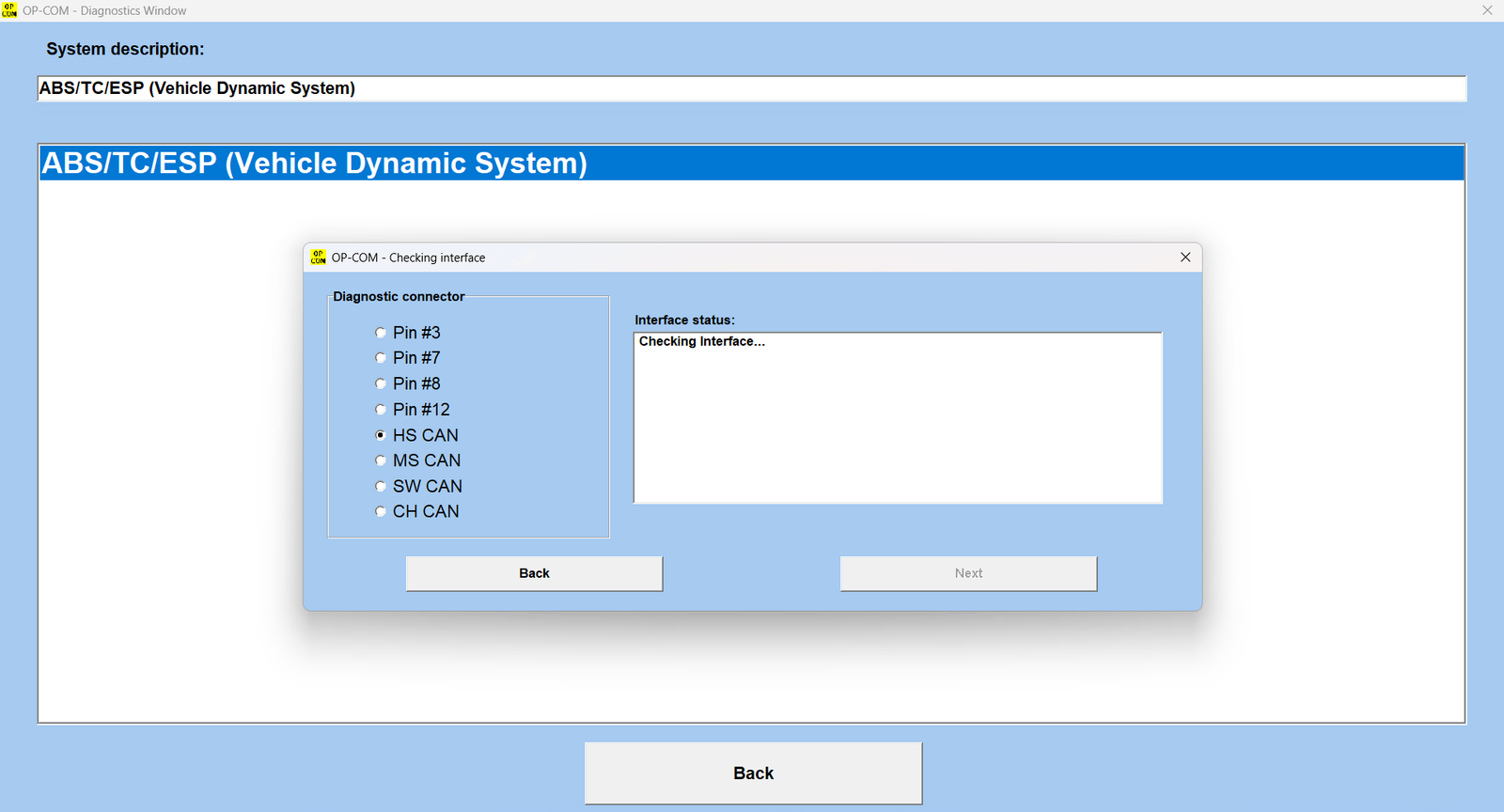
- OBD‑II Pin Multiplexing: PIN3, PIN7, PIN8, PIN12 for accurate communication
💡 Additional Functions
- Reset service intervals (Astra‑G, Zafira, Corsa‑C, Meriva)
- Supports advanced modules: Engine, ABS, Airbag, Transmission, Instrument Cluster, Body Control, and more
- USB‑based interface ensures stable, high‑speed communication (500kbps for CAN‑BUS)
- No serial‑to‑USB converter needed
🚘 Supported Opel / Vauxhall Models
Commonly Supported Vehicles Include:
Opel / Vauxhall Passenger Cars
- Astra F / G / H / J / K
- Corsa B / C / D / E
- Vectra B / C
- Zafira A / B / Tourer
- Insignia A
- Meriva A / B
- Signum
- Omega B
- Tigra
- Agila
- Adam
- Mokka
- Antara
- Combo
- Frontera
- Vivaro
- Movano
Saab Support (Partial)
Some GM‑platform Saab vehicles may be partially supported through shared systems:
- Saab 9‑3
- Saab 9‑5
(Functions vary depending on ECU platform.)
🔍 Full System Diagnostic Coverage
Unlike universal OBD2 readers that only access the engine ECU, OPCOM can communicate with nearly every electronic system in supported Opel vehicles.
Supported Modules Include:
- Engine ECU (ECM)
- Automatic Transmission (TCM)
- ABS / ESP Brake Systems
- Airbag / SRS Modules
- CIM (Column Integration Module)
- BCM (Body Control Module)
- IPC / Instrument Cluster
- HVAC / Climate Control
- Immobilizer Systems
- Steering Modules
- Parking Assist Systems
- Door Modules
- Xenon/AFL Lighting Systems
- Audio / Infotainment Modules
- TPMS Systems
- Power Steering (EPS)
🛠 Advanced Diagnostic Functions
1. Read & Clear Fault Codes (DTCs)
Read manufacturer‑specific Opel/Vauxhall diagnostic trouble codes including:
- Current faults
- Historic faults
- Intermittent communication errors
Clear fault codes after repairs and monitor whether they return.
Perfect for diagnosing:
- Check engine lights
- ABS warnings
- Airbag lights
- Steering faults
- Immobilizer problems
2. Live Data & Measuring Blocks
Monitor live vehicle data in real‑time:
- Engine RPM
- Turbo boost pressure
- Fuel trims
- Rail pressure
- Injector corrections
- Coolant temperatures
- MAF/MAP sensor readings
- Oxygen sensor voltages
- DPF soot load
- Steering angle
- Wheel speed sensors
View up to 8 parameters simultaneously.
Ideal for:
- Diagnosing misfires
- Turbo issues
- DPF regeneration problems
- Fuel system faults
- Sensor failures
3. Output Tests & Component Activation
Activate components directly from the software:
- Cooling fans
- Fuel pumps
- Injectors
- EGR valves
- Turbo actuators
- ABS pumps
- Dashboard indicators
- Glow plugs
- HVAC flap motors
This helps determine whether a problem is:
- Electrical
- Mechanical
- Wiring related
- ECU related
🔐 Immobilizer, Key & Security Functions
One of OPCOM’s biggest advantages is deep immobilizer access.
Supported Functions:
- Program new keys
- Learn remote controls
- Reset immobilizer modules
- Pair replacement ECU modules
- Reset BCM/CIM modules
- Read immobilizer status
- Match used modules to the vehicle
Useful after:
- Lost keys
- ECU replacement
- BCM/CIM replacement
- Instrument cluster swaps
⚙️ Coding & Programming Functions
Supported Coding Operations:
- Airbag module coding (SAB6/SAB8)
- Injector coding on supported diesel engines
- CIM configuration
- Instrument cluster setup
- Variant configuration
- Body module coding
- Feature enable/disable functions
Possible customizations include:
- DRL behavior
- Comfort closing
- Lighting functions
- Warning chimes
- Display settings
🔧 Service & Maintenance Functions
Oil & Service Reset
Reset maintenance intervals after servicing:
- Astra
- Zafira
- Corsa
- Meriva
- Insignia
and many more.
DPF Diagnostics
Monitor:
- Soot accumulation
- Regeneration status
- Differential pressure
Perform forced regeneration on supported ECUs.
Steering Angle Calibration
Useful after:
- Alignment
- Steering repairs
- ABS module replacement
ABS Bleeding
Cycle ABS valves/pumps after brake work.
🚨 Common Problems This Tool Helps Solve
Engine Problems
- Check engine lights
- Turbo underboost/overboost
- EGR faults
- Sensor failures
- Injector imbalance
- Glow plug faults
Diesel Problems
- DPF blockage warnings
- Regeneration failures
- Fuel pressure issues
- Rail sensor problems
ABS / ESP Problems
- Wheel speed sensor diagnosis
- Steering angle sensor errors
- ABS hydraulic faults
Airbag (SRS) Issues
- Seat occupancy sensor faults
- Pretensioner errors
- Crash sensor issues
Immobilizer & Starting Problems
- Vehicle won’t start
- Key not recognized
- CIM communication faults
Electrical Problems
- CAN‑BUS communication errors
- Battery drain diagnostics
- BCM/CIM module failures
🌍 Supported Languages
OPCOM 2012 and 2014
- English
Older Multi‑Language Versions (2010)
May include:
- German
- French
- Italian
- Spanish
- Polish
- Hungarian
- Romanian
- Czech
and others depending on installer package.
💻 Operating System Compatibility
Recommended:
- Windows XP 32‑bit
- Windows 7 32‑bit
Also Works On:
- Windows 10
- Windows 11
⚠ Windows Defender / Security should be disabled during installation.
📦 What’s in the Box
- 1× OPCOM Diagnostic Interface
- 1× USB Cable
- 1× CD with Drivers and Software
📥 Software & Support
🎁 OPCOM 2021 software available – you will get the guide and link after purchase.
🎞️ Includes installation video and full tech support
📂 Drivers provided; disable Windows Security for installation on modern OS
✅ Why Choose This OPCOM Interface?
- Reliable V1.70 firmware (better than unstable V1.99 clones)
- Dealer‑style Opel diagnostics
- Deep access to immobilizer and BCM systems
- Supports coding, calibrations, and adaptations
- Excellent coverage for Astra, Insignia, Corsa, Vectra, and Zafira platforms
- Perfect for workshops and DIY enthusiasts
- Fast USB communication with true FTDI chipset
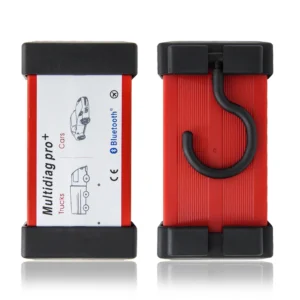
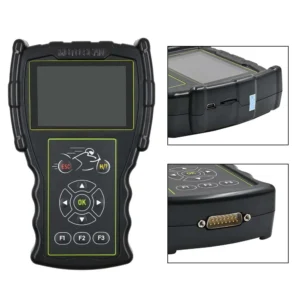

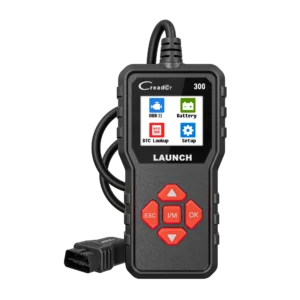

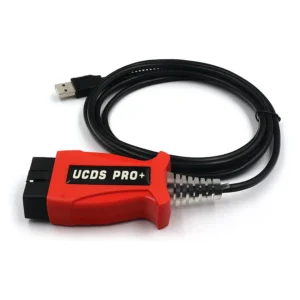

In dem Gerät steckt der richtige Chip PIC18F458 wie ich durch Aufschrauben festgestellt habe.
Bevor ich hier bestellt habe, kaufte ich einen OP-COM für 26 Euro mit angeblichem PIC18F458 drin war ein PIC18F45K80 ein Pin und Software inkompatibler Chip.
Der Hier gekaufte OP-COM funktioniert mit den mitgeliferten Programm Versionen.
Leider hat er mein Problem nicht gelöst.
Ich suche nach einem Gerät, dass es mir ermöglicht den ABS Block eines Corsa C Twinport 12 zu entlüften.
Die Pumpe kann ich dami einschalten, aber die Ventile einzeln ansteuern kann ich damit nicht.
Trotzdem vielen Dank !
cleared my engine light easy
had a problems with drivers. spent two days to make it work
opcom didn’t connect first try but after restart it worked
didn’t work, but remote installation helped