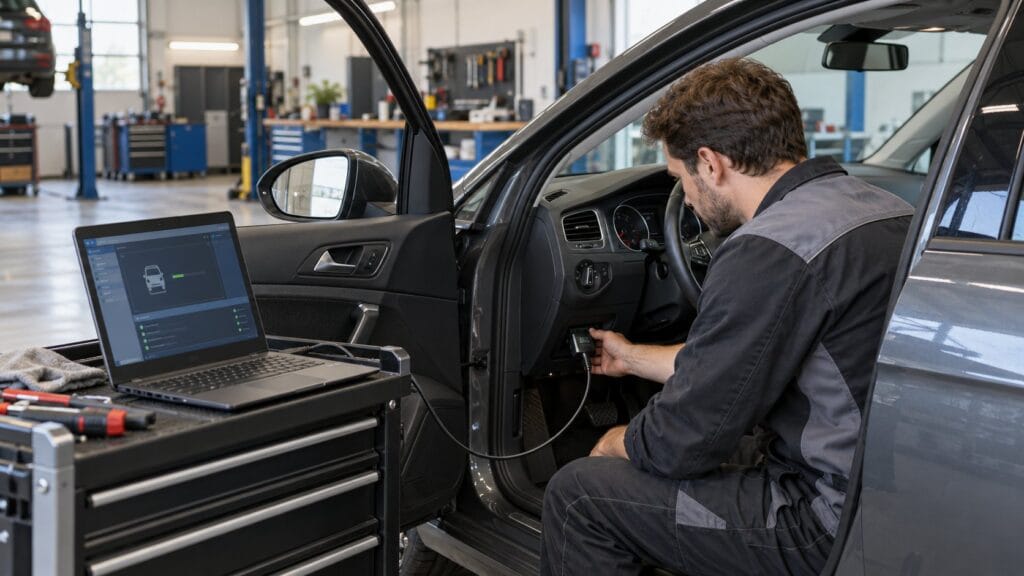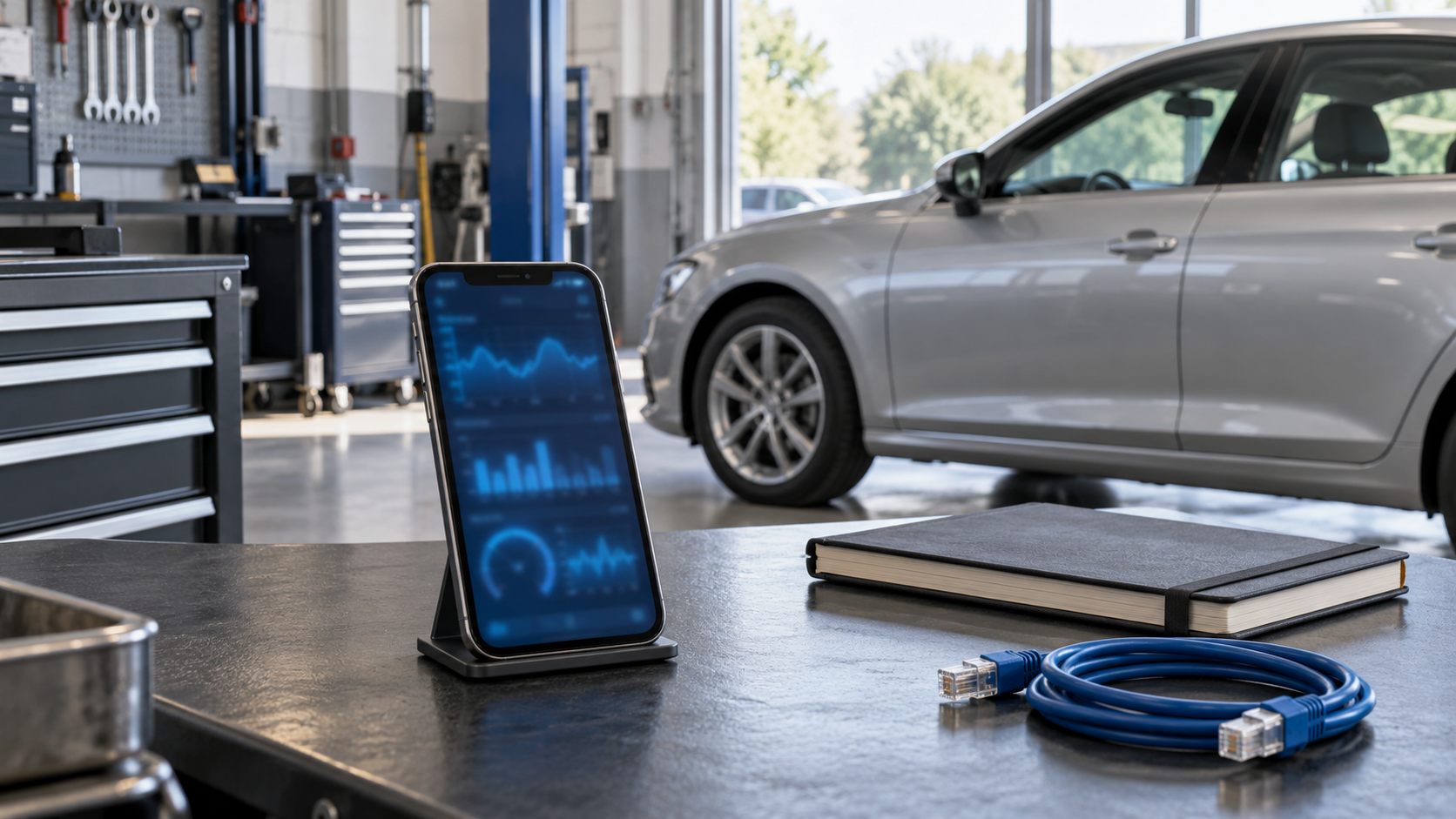
The best BimmerCode adapter is the one that matches your phone, vehicle and intended coding options. For a wireless shortlist, start with vLinker BM or BM+ and MC+. For a supported F, G or I series vehicle, a wired ENET setup is another option. The important detail is that similar product names do not guarantee identical compatibility.
This comparison focuses on choosing hardware for BimmerCode and BimmerLink, including the phone accessories and software costs that are easy to overlook.
Checked on 30 October 2026: SpeedXperts listed the BM and BM+ variants, both MC Bluetooth variants and the ENET cable as available. Check the selected variation again before ordering.
Choose the app before choosing the adapter
BimmerCode handles supported vehicle customisation. BimmerLink focuses on diagnostics, live sensor readings and functions such as battery registration and service resets, where supported. Buying an adapter does not make every advertised function available on every car.
Write down your actual task. Changing a supported convenience setting points you towards BimmerCode; investigating a fault or checking a sensor points towards BimmerLink. If you need both, confirm the complete combination for each app rather than assuming that one successful connection proves everything.
BM, BM+, MC+ and ENET at a glance
Il official BimmerCode adapter list separates iOS and Android choices. Its broad series labels are a starting point, not a replacement for the vehicle-specific selector.
| Opzione | Phone connection | Main selection check |
|---|---|---|
| vLinker BM Bluetooth | Android | Do not confuse BM with BM+ or BM Wi-Fi. |
| vLinker BM+ Bluetooth | iOS and Android | Confirm your vehicle, especially an older E or R series. |
| vLinker MC+ Bluetooth | iOS and Android | Match the exact supplied model to the supported adapter entry. |
| ENET cable | Wired Ethernet through a suitable phone adapter | Listed for F, G and I series; phone Ethernet support is also required. |
For iOS, the list marks BM+ and MC+ for E and R series from 2008 onwards, alongside F, G and I series. The Android entries have broader series labels. Do not transfer an Android compatibility statement to an iPhone purchase.
When to choose vLinker BM or BM+
Il SpeedXperts BM and BM+ listing clearly identifies BM as the Android-only Bluetooth 3.0 option and BM+ as the Bluetooth 4.0 option supporting both mobile platforms. It also states that software is not included.
For an Android-only household, BM belongs on the shortlist once vehicle compatibility is confirmed. If an iPhone will be used, select the appropriate supported alternative, such as BM+, rather than relying on the shared product-page title.
Before checkout, record the variation name on the order. That small step helps avoid a preventable support problem: receiving exactly the selected Android variant when you intended to use an iPhone.
When MC+ makes sense
Il vLinker MC product page offers “New Case BT4.0” and “New Case BT3.0” selections beneath an MC+ heading. Its instructions associate the BT4.0 choice with iOS and the BT3.0 choice with Android.
Because the variation names and headline differ, ask for confirmation of the exact adapter model supplied. For iPhone use, do not treat the BT3.0 selection as interchangeable with the officially listed MC+.
Consider MC+ if it satisfies this BMW task and another app you intend to use. Check that second app’s own hardware requirements separately. A long list of protocols or a broad vehicle-percentage claim does not establish access to a particular module or service operation.
ENET: a useful wired choice with extra checks
Il SpeedXperts ENET listing includes an OBD-to-Ethernet cable. Its package list does not include a phone Ethernet adapter, so budget for that separately when needed.
BimmerCode’s connection guide explicitly supports ENET with a suitable Ethernet adapter on mobile devices. On Android, the instructions differ between older versions and Android 11 or later; the required Ethernet settings must be available on your phone. A USB-C socket alone is not sufficient confirmation.
Choose a wired setup if you prefer a physical connection and can accommodate the cable while parked. Compare the complete basket: cable, phone adapter and software. There is no verified head-to-head speed test here, so this recommendation is about workflow and compatibility rather than a promised performance advantage.
Five checks before you buy
- Identify the car precisely. Record its model, chassis generation and build year, rather than asking only whether the adapter supports “a 3 Series”.
- Check the desired option. Use BimmerCode’s vehicle selector and verify the function in BimmerLink separately if diagnostics are your goal.
- Name the phone. Include its model, operating system and connector when asking about compatibility.
- Confirm the exact hardware. Keep the adapter model and store variation together in your notes. Resolve ambiguous names before paying.
- Calculate the whole purchase. Include app licences and any Ethernet accessory, not just the advertised adapter price.
Il BimmerCode FAQ says licences are platform-specific: an iOS purchase does not transfer to Android. It also explains that available options depend on the vehicle’s software and configuration. Changing phones or buying different hardware does not automatically resolve a missing coding option.
Prepare for the first connection
Follow the developer’s instructions for your specific connection method. For coding, the official guidance calls for ignition on, engine off, the vehicle secured and unnecessary electrical consumers switched off. Close competing diagnostic apps and grant the permissions requested for your adapter.
Start by confirming that the expected vehicle and control units are detected. BimmerCode’s free version can help check available units and options before purchasing the full version. Avoid experimenting in Expert Mode: the developer warns that incorrect use can require a control-unit reflash.
Keep a record of the adapter model, phone version and exact error message if connection fails. That gives support a concrete starting point and helps distinguish a selection mistake from a setup problem.
Frequently asked questions
Can I use any ELM327 adapter?
No. Choose the exact hardware on the app’s supported list. “ELM327” in a product title is not BimmerCode approval.
Do I need a separate adapter for each app?
Not necessarily. One confirmed compatible adapter can serve both, but check each app’s vehicle and function requirements.
Which should I shortlist first?
Start with the compatible wireless option for convenience, or ENET if you prefer a verified wired setup. Compare current choices in our diagnostic-tools category; our general scanner buying guide covers broader purchasing considerations.