K+DCAN-kabel kontra ENET-kabel til BMW: Hvilket har du egentlig brug for?
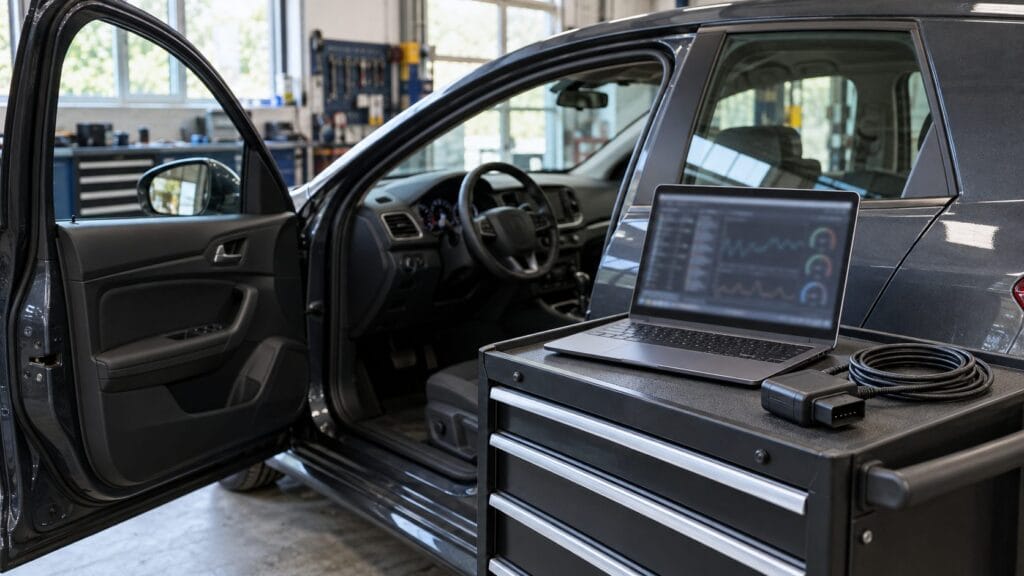
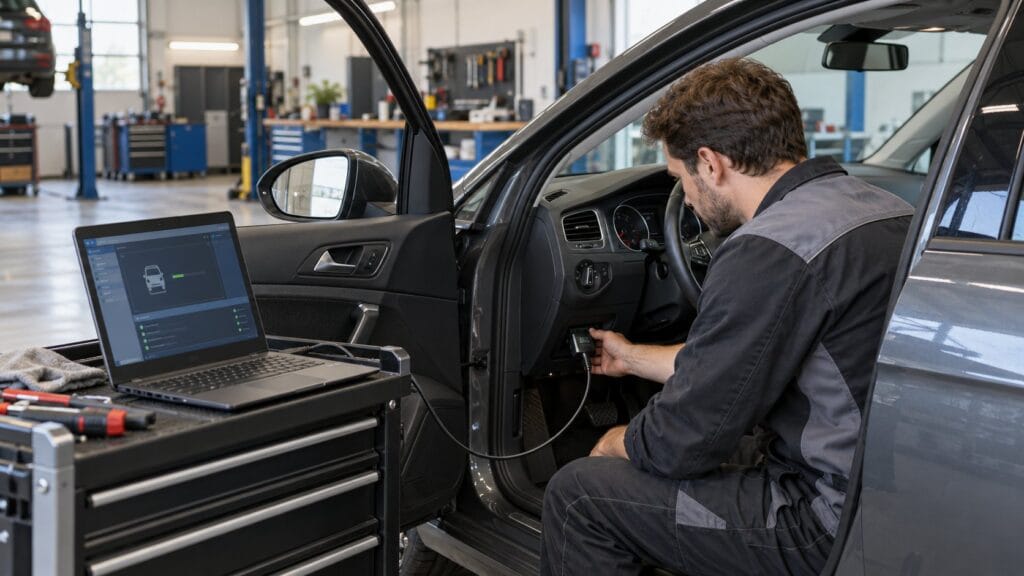
Hvis du er på udkig efter et BMW-diagnosekabel, vil du hurtigt støde på to muligheder: den K+DCAN USB-kabel og den ENET Ethernet-kabel. De ligner hinanden ved første øjekast — begge forbinder din bærbare computer med din BMW — men de fungerer på helt forskellige bilgenerationer og bruger forskellig software.
Vælger du det forkerte, vil det ganske enkelt ikke fungere på din bil. Denne vejledning forklarer forskellen, hvilke BMW-modeller de enkelte kabler passer til, og hvad du kan bruge dem til.
Den væsentligste forskel
| Funktion | K+DCAN USB-kabel | ENET Ethernet-kabel |
|---|---|---|
| BMW-generationer | E-serien (E46, E60, E90 osv.) | F-serien og G-serien |
| Forbindelsestype | USB til OBD2 | Ethernet til OBD2 |
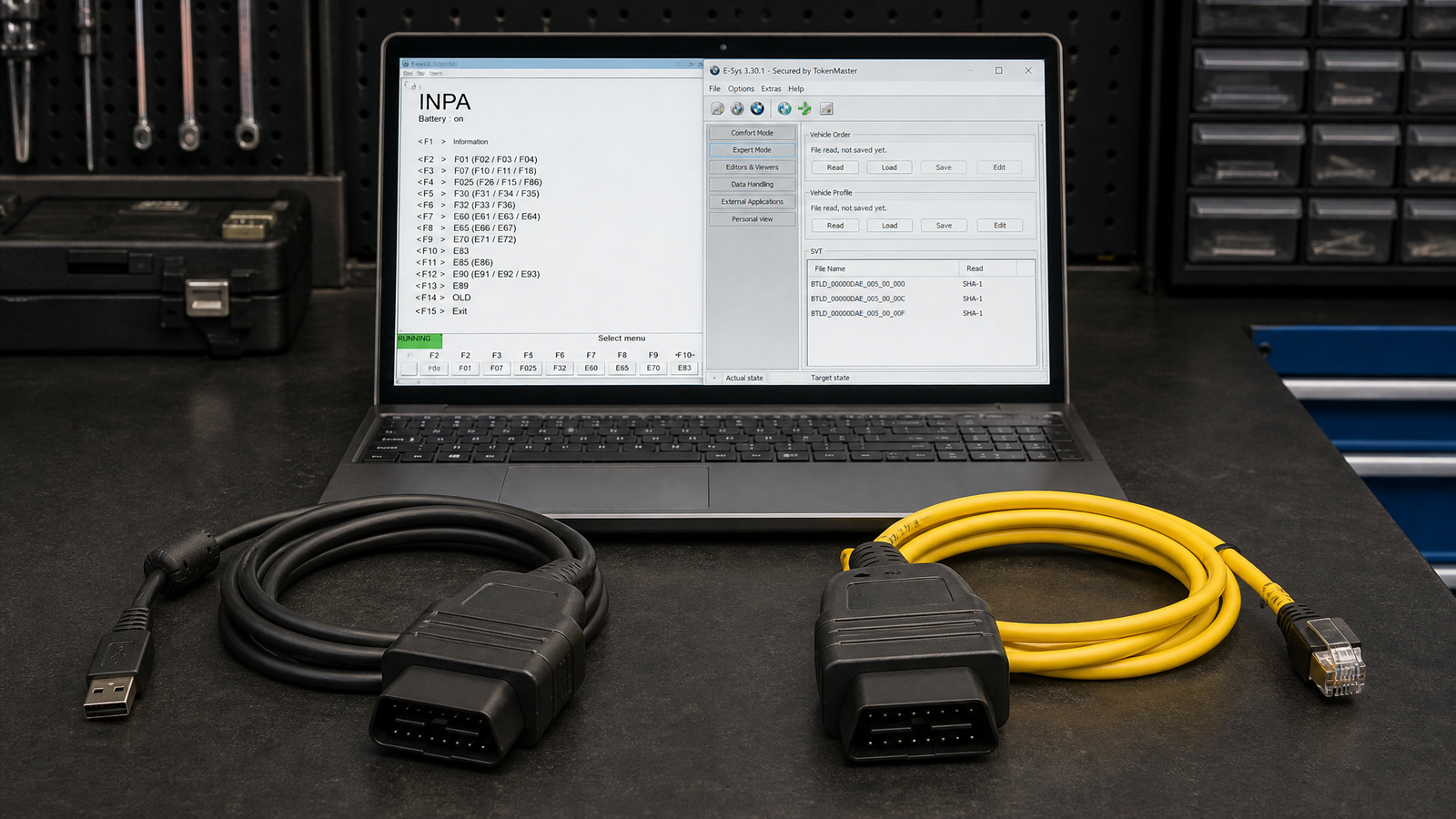
| Primær software | INPA, NCS Expert, WinKFP, Tool32 | E-Sys, ISTA-P |
| Programmeringsevne | Ja — E-serien | Ja — F/G-serien |
| Omprogrammering af ECU’en | Ja (WinKFP) | Ja (ISTA-P / E-Sys) |
K+DCAN er beregnet til ældre BMW E-serie køretøjer. ENET er beregnet til de nyere modeller i F-serien og G-serien køretøjer. Hvis du ikke er sikker på, hvilken generation din BMW tilhører, skal du tjekke chassiskoden — den begynder med E, F eller G.
K+DCAN USB-kabel — BMW-diagnostik til E-serien
Hvad det gør
K+DCAN-kablet tilsluttes via USB og kommunikerer ved hjælp af K-Line- og D-CAN-protokollerne, som anvendes i BMW E-serie-køretøjer. Det er standardgrænsefladen til den klassiske BMW-diagnostiksoftwarepakke, der bruges af uafhængige mekanikere og entusiaster over hele verden.
Kompatibel software
- INPA — Fuld diagnostisk adgang til alle moduler i E-serien, realtidsdata, fejlkoder og udgangstests
- NCS-ekspert — Programmering og konfiguration af varianter til E-serie-moduler
- WinKFP — ECU-programmering og firmwareopdateringer
- Tool32 — Avancerede kommandoer og programmering på modulniveau
- BMW-standardværktøj — Den komplette pakke, der omfatter INPA, NCS Expert og WinKFP
Hvad du kan gøre
Med K+DCAN-kablet og den rigtige software kan du:
- Læs og slet fejlkoder i alle moduler (motor, gearkasse, ABS, airbag, karrosseri osv.)
- Se sensordata i realtid og udfør udgangstests
- Kodemoduler — aktiver eller deaktiver funktioner som f.eks. kørelys, sammenklappelige sidespejle, sikkerhedssele-signaler og meget mere
- Oprogrammering af ECU-firmware med WinKFP
- Udfør nulstilling og tilpasning af servicefunktioner
Understøttede modeller i BMW E-serien
K+DCAN-kablet passer til de fleste biler i BMW’s E-serie, herunder:
- E46 (3-serien, 1998–2006)
- E60/E61 (5-serien, 2003–2010)
- E90/E91/E92/E93 (3-serien, 2005–2013)
- E70/E71 (X5/X6, 2006–2014)
- E83/E84 (X3/X1)
- E63/E64 (6-serien)
- E65/E66 (7-serien)
- Mini R56, R57, R58, R59 (udvalgte funktioner)
ENET Ethernet-kabel — BMW-diagnostik til F-serien og G-serien
Hvad det gør
ENET-kablet tilsluttes via Ethernet (ikke USB) og kommunikerer ved hjælp af de nyere protokoller, der anvendes i BMW-biler i F- og G-serien. Det er den nødvendige grænseflade til E-Sys, BMW’s kodnings- og programmeringsværktøj til moderne BMW-biler.
Kompatibel software
- E-Sys — Kodning, programmering og modulkonfiguration til F/G-serien
- ISTA-P — ECU-programmering og softwareopdateringer
- BimmerKode (med kompatibel adapter) — Brugervenlig kodningsapp til F/G-serien
Hvad du kan gøre
Med ENET-kablet og E-Sys kan du:
- Moduler i F- og G-serien — aktivering af skjulte funktioner, ændring af køretøjets adfærd og konfiguration af indstillinger
- Flash og opdater ECU-software ved hjælp af ISTA-P
- Læs og slet fejlkoder på tværs af alle moduler
- Udfør tilpasninger og serviceopgaver
Understøttede modeller i BMW F-serien og G-serien
- F10/F11 (5-serien, 2010–2017)
- F30/F31/F34 (3-serien, 2012–2019)
- F20/F21 (1-serien, 2011–2019)
- F15/F16 (X5/X6, 2013–2018)
- F25/F26 (X3/X4)
- G20/G21 (3-serien, 2019 og frem)
- G30/G31 (5-serien, 2017 og frem)
- Og de fleste andre BMW’er med F- og G-chassis
Hvilket kabel skal du købe?
Svaret afhænger helt af, hvilken generation af chassis din BMW har:
- BMW E-serien (E46, E60, E90 osv.) → Køb den K+DCAN USB-kabel
- BMW i F-serien eller G-serien (F30, F10, G20 osv.) → Køb den ENET Ethernet-kabel
Hvis du ejer både en BMW fra E-serien og en fra F/G-serien, skal du bruge begge kabler — de kan ikke bruges i stedet for hinanden.
Har du brug for begge dele?
Hvis du arbejder med flere BMW-generationer, så ja. Mange uafhængige BMW-specialister har begge kabler liggende. K+DCAN dækker alt arbejde med E-serien, mens ENET dækker kodning og programmering af F- og G-serierne.
For at opnå en bredere dækning af fejlfinding på biler fra flere mærker ud over BMW, er Delfi DS150e 2PCB dækker de fleste europæiske, amerikanske og asiatiske biler — selvom understøttelsen af BMW F- og G-serierne muligvis er begrænset på denne platform.
Ofte stillede spørgsmål
Kan jeg bruge K+DCAN-kablet til en BMW i F-serien?
Nej. K+DCAN-kablet bruger K-Line- og D-CAN-protokoller, som ikke er kompatible med biler i F-serien. Du skal bruge ENET-kablet til BMW’er i F- og G-serien.
Kan jeg bruge ENET-kablet til en BMW fra E-serien?
Nej. Køretøjer i E-serien understøtter ikke den Ethernet-baserede kommunikation, som ENET-kablet anvender. Du skal bruge K+DCAN-kablet til diagnosticering af E-serien.
Hvilken software skal jeg bruge til K+DCAN-kablet?
INPA, NCS Expert, WinKFP og Tool32 er de vigtigste værktøjer. Disse findes som en del af BMW Standard Tools-pakken.
Hvilken software skal jeg bruge til ENET-kablet?
E-Sys er det primære kodningsværktøj. ISTA-P bruges til programmering af ECU’er og softwareopdateringer.
Fungerer ENET-kablet sammen med BimmerCode?
BimmerCode kræver en kompatibel Bluetooth- eller WiFi-OBD2-adapter i stedet for selve ENET-kablet. Den Vgate vLinker MC+ er et populært valg til brug på BimmerCode.
Hvor kan man købe det?
Se hele sortimentet af BMW-diagnosekabler og -værktøj hos SpeedXperts for at finde det rigtige K+DCAN- eller ENET-kabel til din bil. Der følger gratis hjælp til opsætning med hvert køb.