

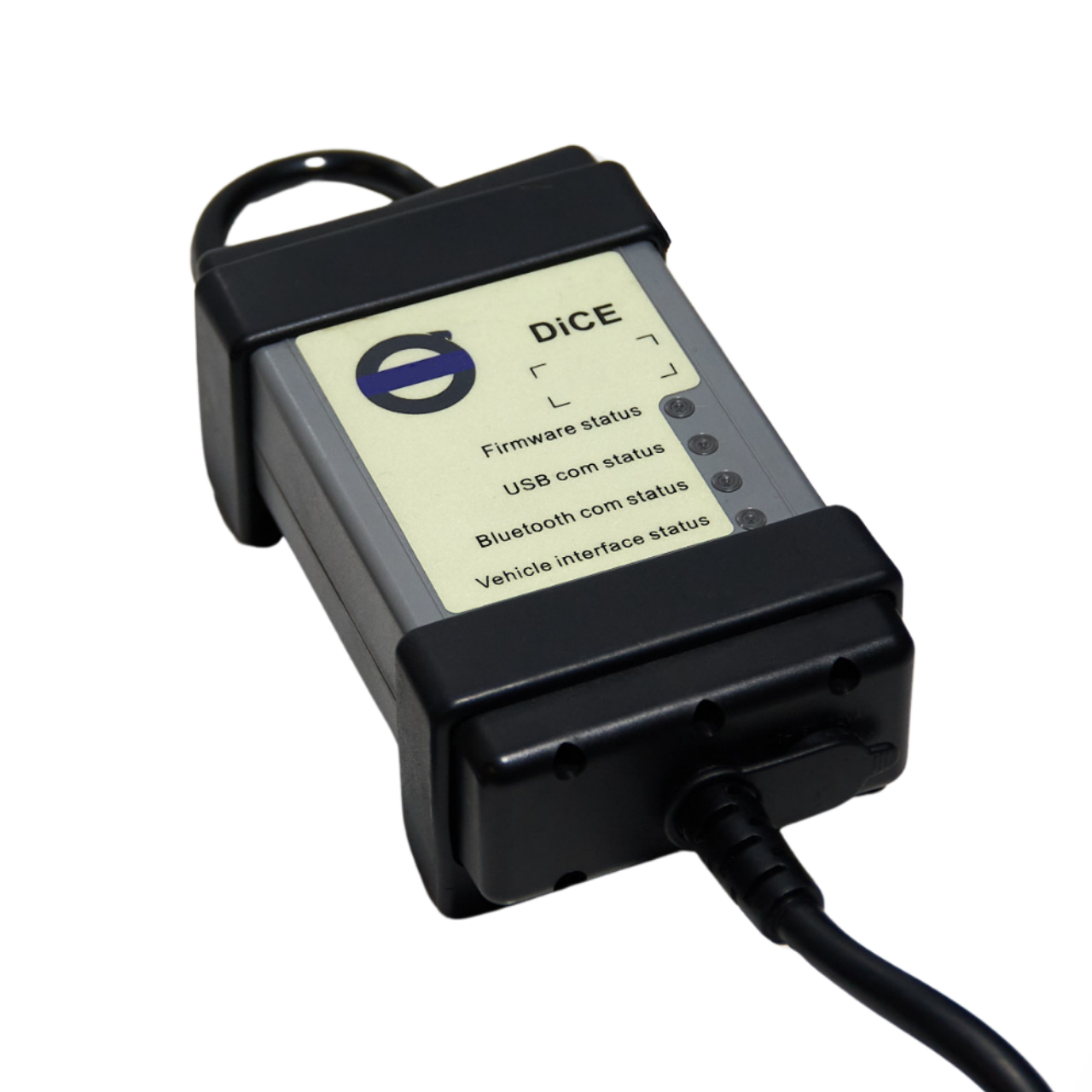
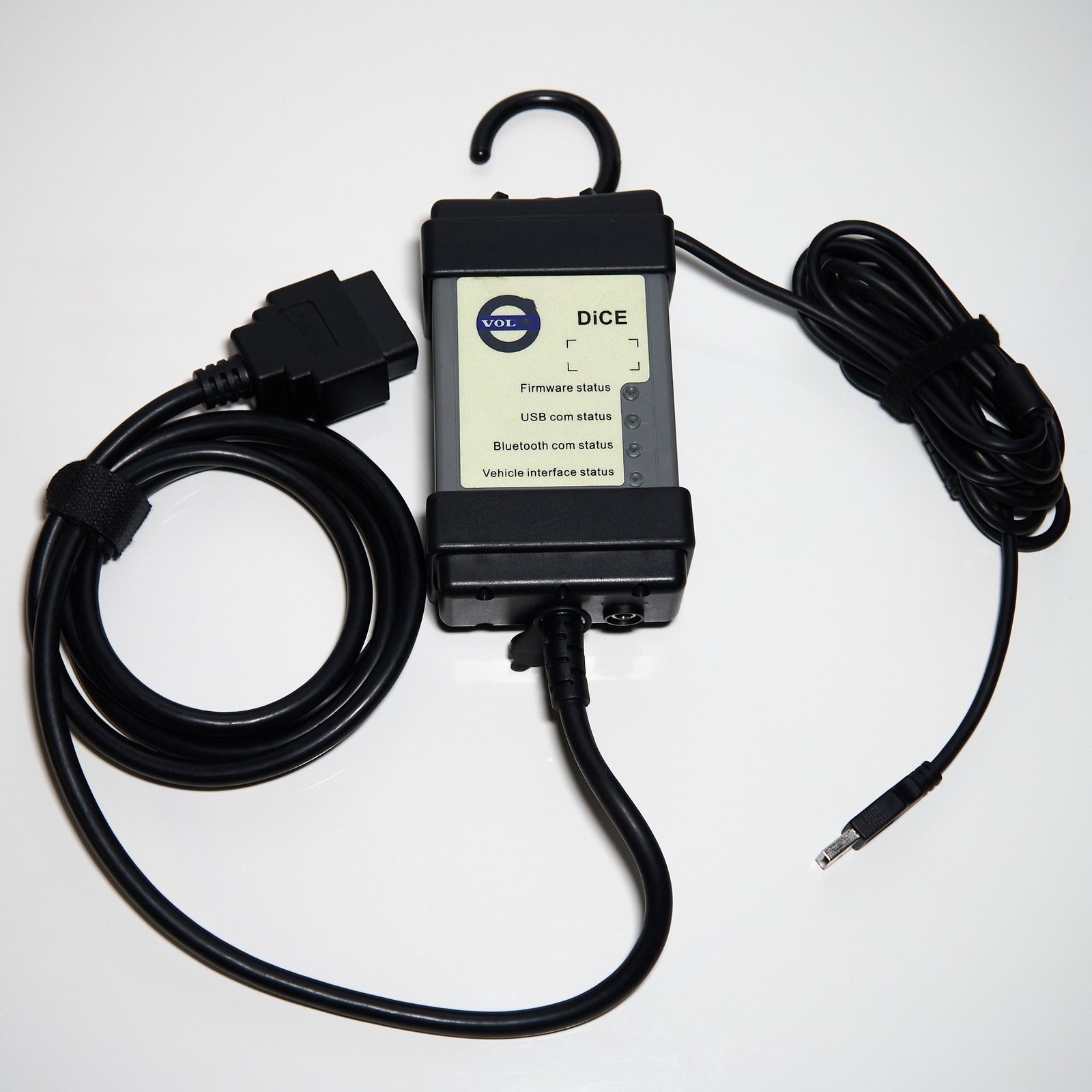
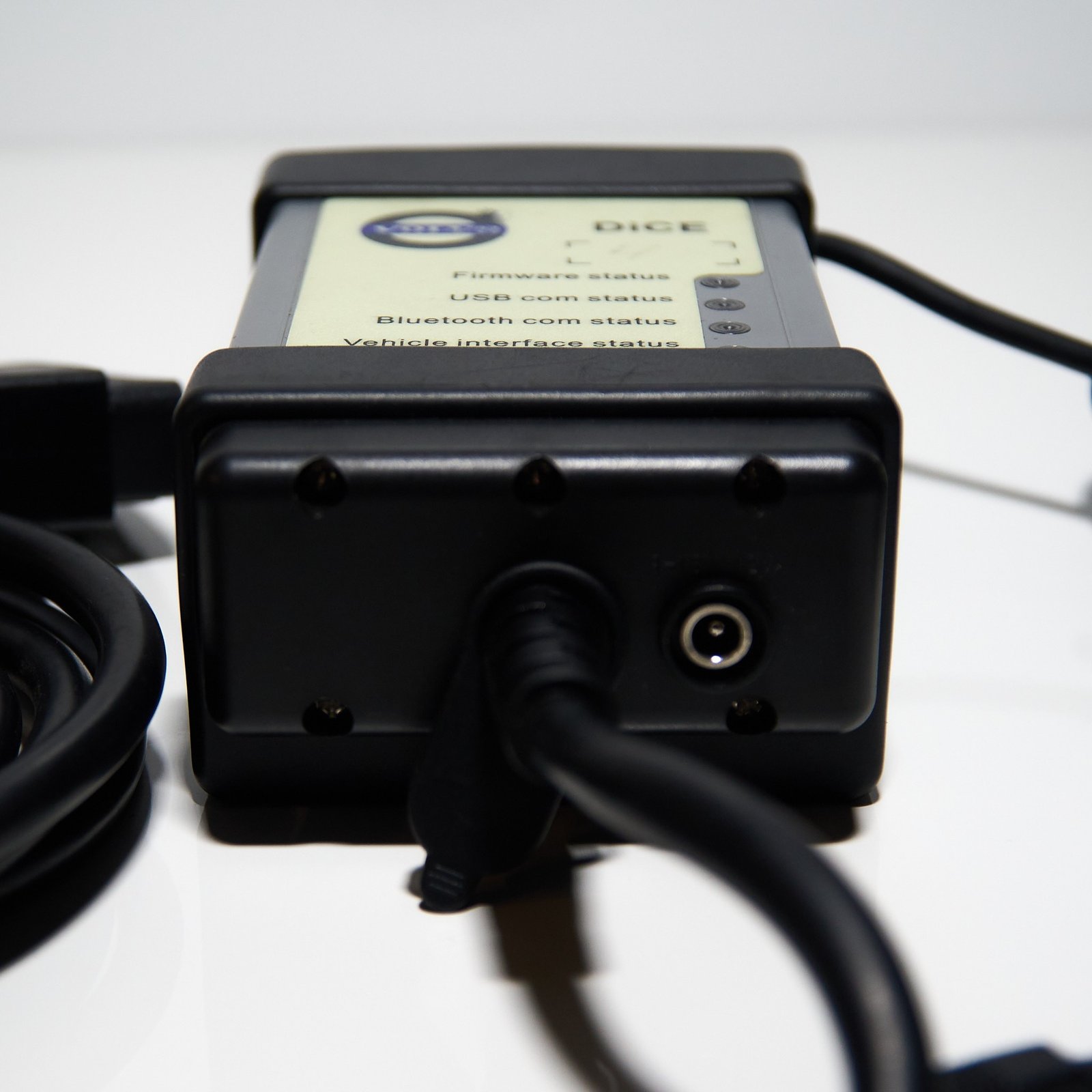
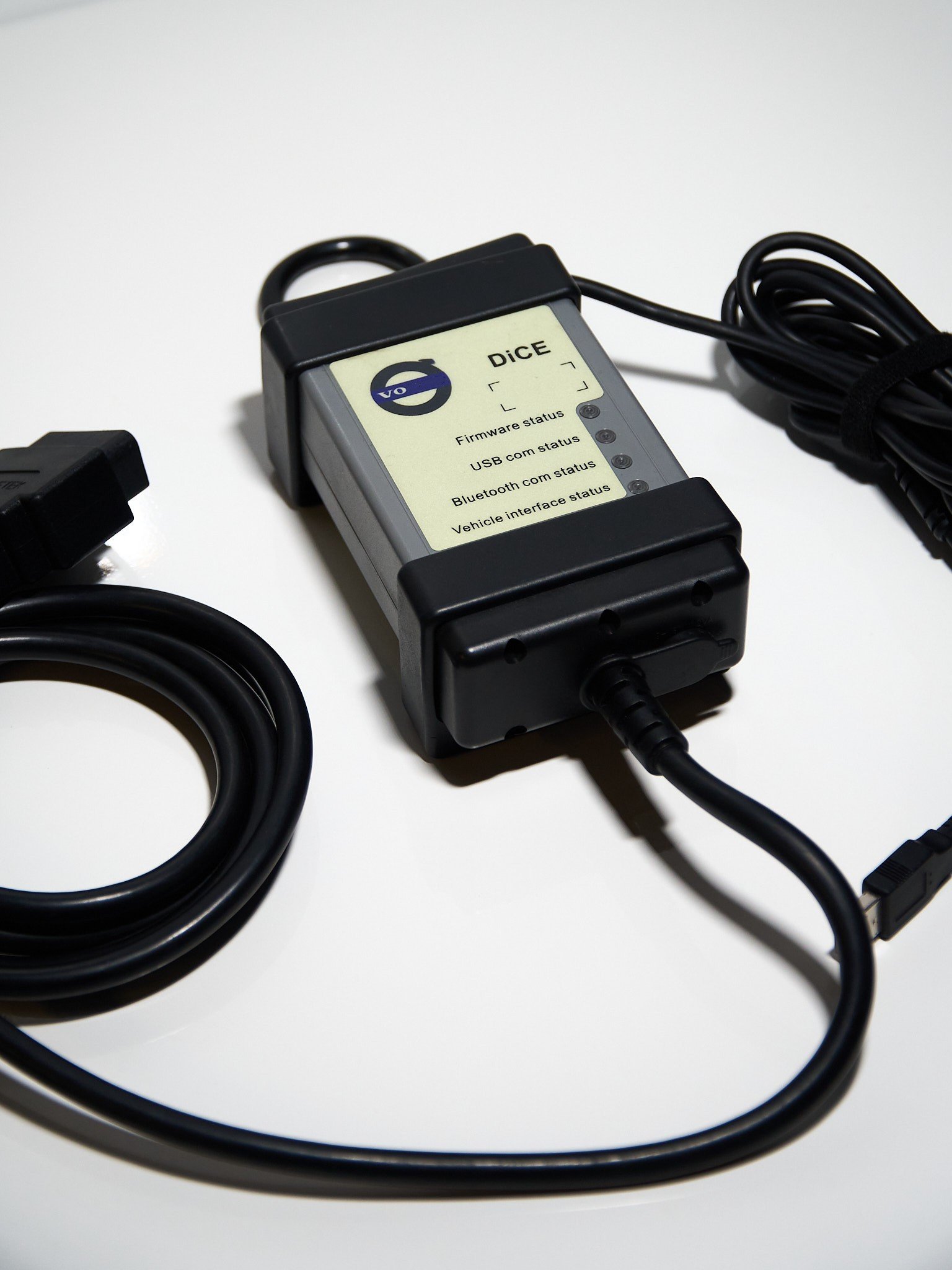
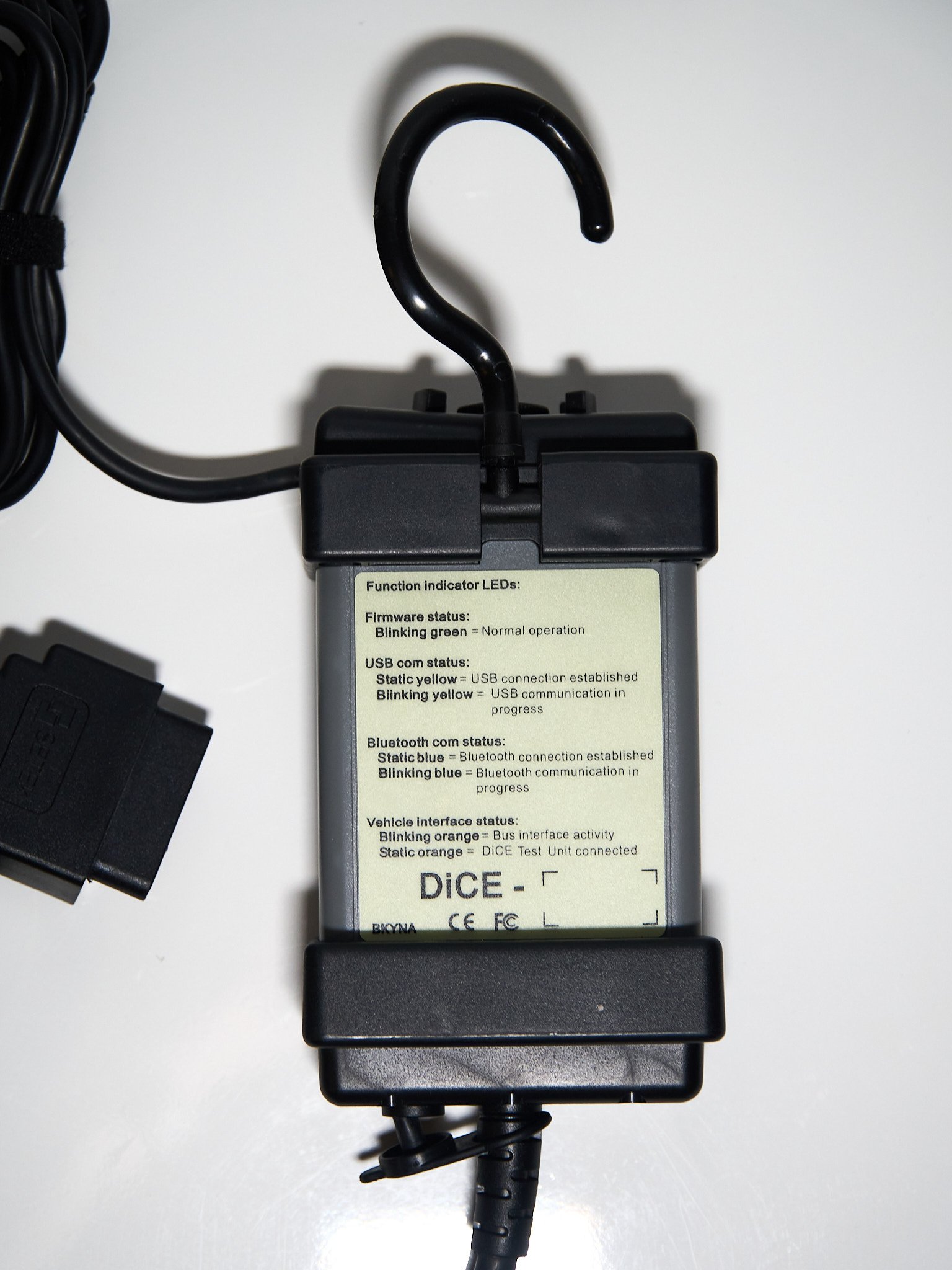
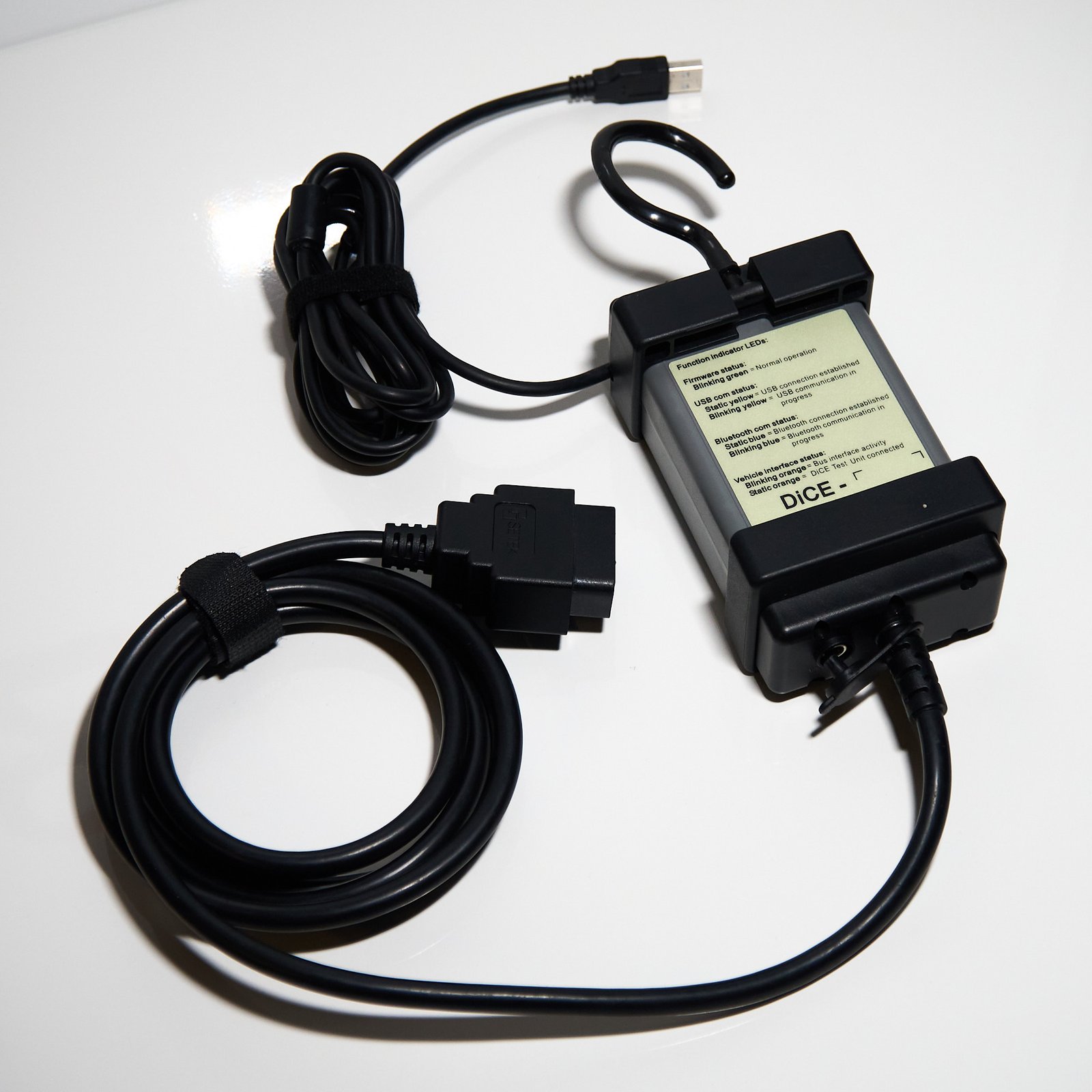
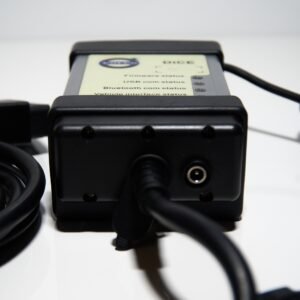
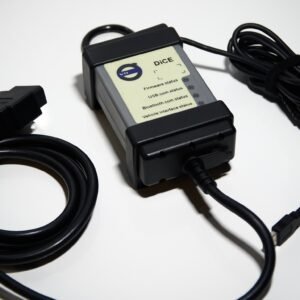
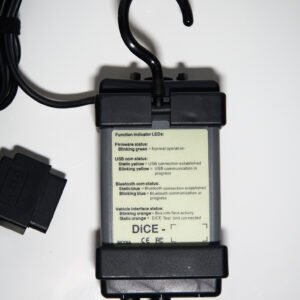
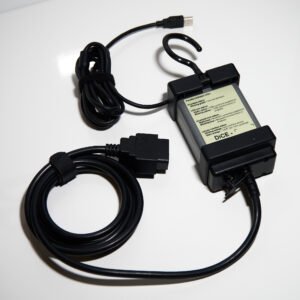
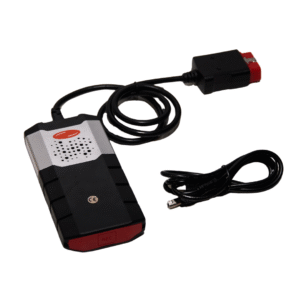
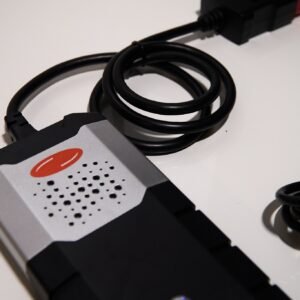
Don’t know which Volvo diagnostic tool to choose? This aftermarket OBDII diagnostic interface for Volvo is designed to help you quickly identify vehicle problems, access control modules, and perform advanced diagnostics using VIDA 2014D or compatible software such as VDASH.
It is suitable for professional workshops and experienced users who need deeper access than standard OBD2 scanners.
Alle Marken sind Eigentum ihrer jeweiligen Inhaber; die Verwendung impliziert keine Zugehörigkeit oder Befürwortung.
🚗 What Problems Can This Volvo Diagnostic Tool Help Diagnose?
This interface is designed to go beyond basic fault code reading and help investigate real-world Volvo issues across multiple systems.
Engine & Performance Issues
- Check engine light, rough idle, poor acceleration, or increased fuel consumption
- May help identify sensor faults (MAF, O2), turbo/boost issues, ignition misfires, fuel delivery problems
- Live data allows comparison of expected vs actual values for faster troubleshooting
Diesel & Emissions Faults
- DPF warnings, EGR issues, smoke, or reduced power
- May support fault tracing related to emissions systems and regeneration status (software-dependent)
Transmission Problems
- Hard shifting, slipping, delayed gear engagement, or limp mode
- Access to transmission control module data and fault codes
- Helps identify solenoid, adaptation, or communication issues
ABS / ESP & Brake System Warnings
- ABS light, traction control errors, or “anti-skid service required” messages
- Diagnose wheel speed sensors, ABS module faults, or signal inconsistencies
Airbag (SRS) Faults
- Persistent airbag warning light after battery issues or repairs
- Identify faults in sensors, seat systems, or module communication
- Clear codes after repair where supported
Electrical & Body System Issues
- Central locking failures, alarm triggers, lighting faults, or module communication errors
- Diagnose body control modules, door systems, and wiring-related issues
Battery & Voltage Problems
- Multiple warning lights, no-start issues, or unstable electronics
- Helps trace low voltage events, charging faults, or battery-related errors
🔧 VIDA 2014D – Deep Volvo Diagnostics
With VIDA 2014D, this tool is designed for in-depth diagnostics on many Volvo models approx. 1999-2014.
Typical use includes:
- Full vehicle module scan
- Reading and clearing manufacturer-specific fault codes
- Viewing live data and system status
- Following structured diagnostic workflows
- Accessing service-related information within the software
This makes it a strong choice for users looking for workshop-level Volvo diagnostics.
⚙️ VDASH – Coding & Configuration Support
When used with VDASH, the interface may support extended diagnostics and selected coding or configuration changes on compatible vehicles, potentially up to approx. model year 2024.
Depending on the vehicle and license, VDASH may allow:
- Diagnostics and fault clearing
- Configuration changes (feature-dependent)
- Module-related adjustments after replacement
- Enabling/disabling supported vehicle options
- Access to additional service functions
Important:
- Not all vehicles or modules support coding
- Some functions require paid licenses
- Results depend on ECU (Engine Control Unit), model year, and software permissions
🔍 Which Version Should You Choose?
Full‑Chip M32C Version
- Designed primarily for VIDA 2014D diagnostics
- Typically simpler setup (no extra drivers for VIDA)
- Suitable for Volvo models approx. 1999-2014
- Best for users focused on diagnostics and reliability
J2534-Compatible Version
- Verwendet J2534 pass-thru standard
- Requires SM2‑USB driver installation
- More flexible for supported software environments
- Better suited for advanced users
🧠 Why Not Just Use a Generic OBD2 Scanner?
Standard OBD2 tools usually only read basic engine codes. This interface is designed to access multiple Volvo control modules, which may include:
- Engine and transmission
- ABS / ESP
- SRS (airbags)
- Body and comfort systems
This broader access helps diagnose issues that generic scanners often miss.
💻 Installation Options
- VirtualBox setup – preconfigured environment for easier installation
- Native Windows setup – full installation on Windows 7/10/11
- Includes PDF guide and video walkthrough
For J2534 version: install SM2‑USB driver before first use
⚙️ System Requirements
- Windows 7 / 10 / 11
- Internet Explorer 9 or later
- Minimum 3 GB RAM
- 40 GB free space (NTFS)
- USB connection only (no Bluetooth)
📦 What’s Included
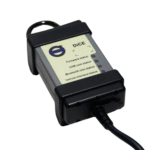
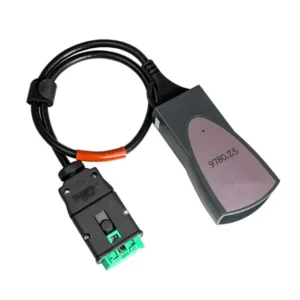
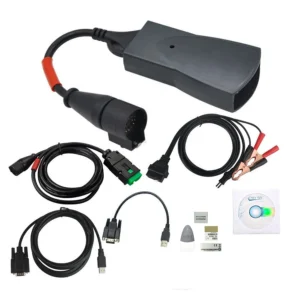
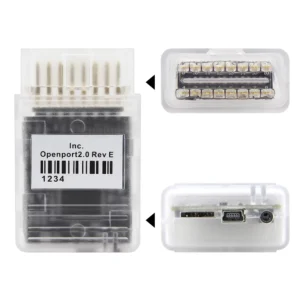
- Diagnostic interface (selected version)
- Installation PDF guide
- Software access link
- Video instructions
⚠️ Compatibility Notes
- Vehicle support typically covers Volvo models approx. 1999–2014 with VIDA
- With VDASH, some functions may extend to newer models (feature-dependent)
- Coding, live data, and module access vary by:
- vehicle model and year
- installed ECUs
- software version and license
Performance and available features may vary.










 EN
EN DE
DE NL
NL FR
FR ES
ES FI
FI IT
IT NB
NB DA
DA SV
SV
Toller Service, perfektes Produkt, passt gut!😉 .
calidad mejor de lo esperado, gracias.
Ich dachte, es würde schwierig werden, aber es ist tatsächlich einfach einzurichten.
Ich habe 2 Stunden gebraucht, um VIDA zum Laufen zu bringen, aber jetzt läuft es gut.
Bonne qualité, fonctionne bien sur ma voiture.