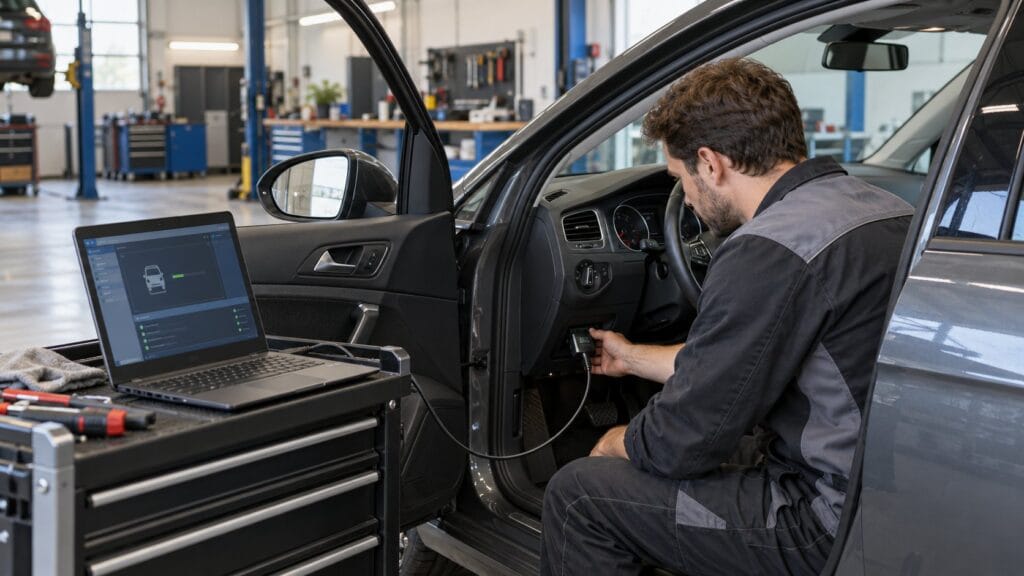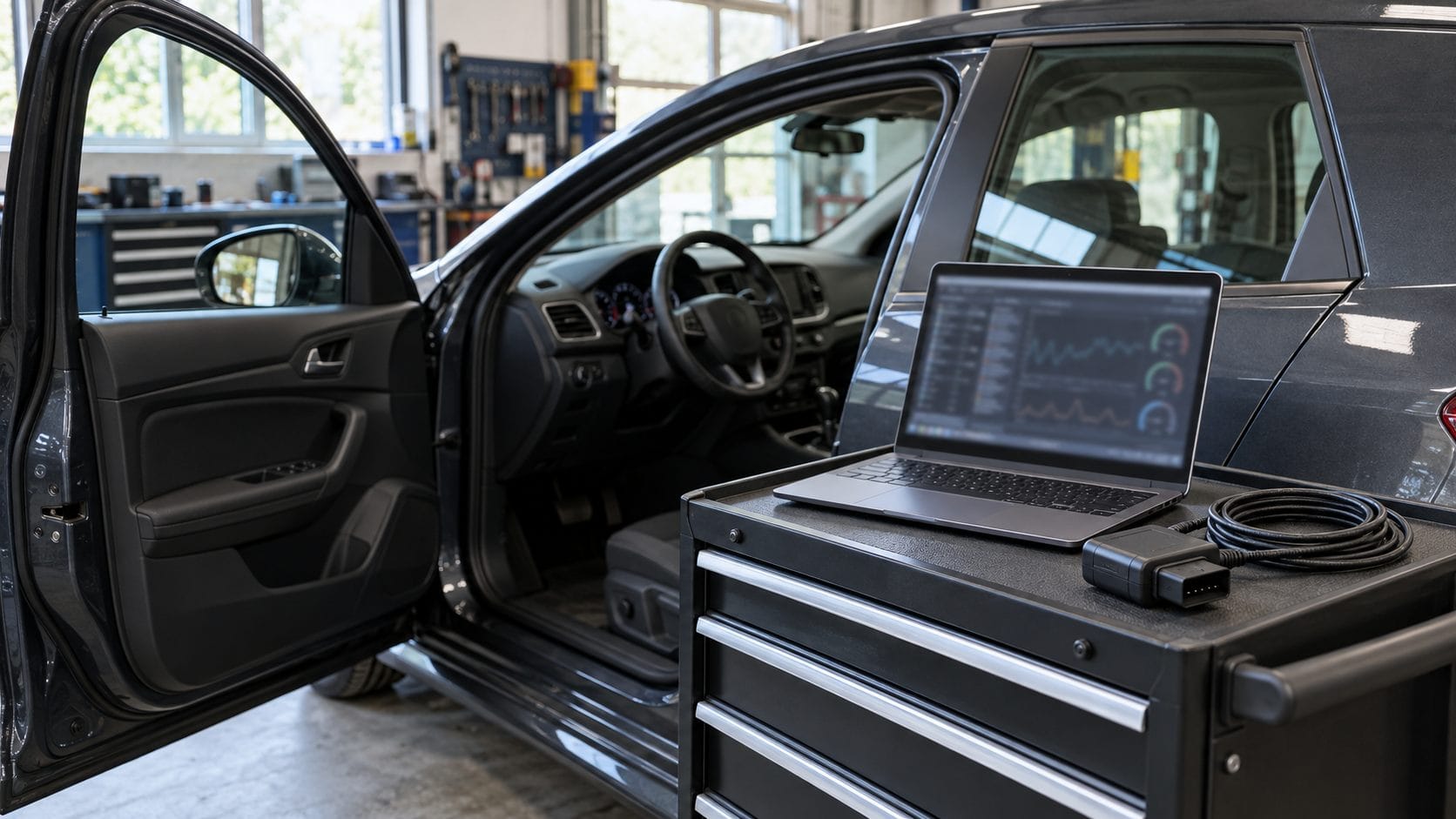
Choosing between Renolink and CAN Clip starts with the job you need to complete. Investigating several warning lights, configuring a replacement module, and adding a key are different tasks. A tool that communicates with your car may still lack the particular function you need.
This Renolink vs CAN Clip guide compares the current SpeedXperts listings and explains what to check before ordering. The practical distinction is between a package marketed around targeted electronic programming and one marketed around broader system diagnostics. Neither description guarantees a result on every Renault or Dacia.
Renolink vs CAN Clip: the quick comparison
| Buying question | Renolink 1.99 listing | Canclip VCI3 V240 listing |
|---|---|---|
| Main advertised emphasis | Selected ECU, memory and key operations | Electronic system diagnosis, coding and adaptations |
| Connection described | OBD cable | WiFi interface with CAN and K Line support |
| Most useful purchase check | Exact module and requested operation | Vehicle applicability, software and access requirements |
| What remains unconfirmed | Support for your individual vehicle and task | Support for your individual vehicle and task |
Both products were listed as in stock when checked on 28 October 2026. Treat the comparison as a shortlist: obtain confirmation for your vehicle before buying either package.
When Renolink belongs on your shortlist
De Professionele Renolink 1,99 OBD2-kabel voor Renault listing advertises EEPROM, ECM and UCH read/write operations, plus key-related functions. These are seller-described capabilities, not a verified coverage matrix for every control unit.
Consider it when you already know the target module and can describe the intended operation precisely. For example, a workshop assessing a replacement body control module should establish its identification, the required procedure and the applicable software support before selecting hardware. “Works with Renault” is too broad an answer.
The store listing specifies version 1.99. Do not assume that features discussed in guides for another release are included. Ask about the supplied version, interface compatibility, activation, updates and support for the exact operation. A successful connection alone does not establish programming compatibility.
The listing also describes its supplied software as modified. It should therefore not be assumed to include an official developer licence. Resolve software provenance and licensing before purchase or installation; use a verified, properly licensed setup.
When CAN Clip belongs on your shortlist
De Canclip VCI3 V240 WiFi diagnostic tool listing advertises access to several electronic systems, including engine, transmission, braking and climate control, together with coding and adaptation functions. That makes it a candidate to investigate when your priority is diagnosis across multiple systems.
There is an important distinction between a third-party interface listing and Renault’s current official diagnostic service. Renault ASOS diagnostic information distinguishes CLIP for older vehicles from ADT for newer vehicles and provides vehicle applicability guidance. A broad model-year range on a shop page should not replace that check.
Renault also lists authentication hardware, software and subscription requirements for its official offer. Buying an interface does not by itself establish that those services are included or supported. Confirm the complete setup, including the computer, drivers, software entitlement and any required access, before planning a job.
Choose by the work you actually need
You want to investigate warning lights
Prioritise confirmed access to the affected systems and the diagnostic information needed to investigate the symptom. Ask whether the proposed package can retrieve the relevant faults and parameters on your specific vehicle. A long programming feature list has little value if it does not cover the system you need to inspect.
You have a defined module replacement job
Ask for confirmation of the replacement procedure, rather than simply asking whether coding is supported. Record the original and replacement module references and explain the intended result. Obtain the applicable repair instructions before changing stored settings. If support cannot be established, budget for a specialist with the required equipment and access.
You maintain several Renault and Dacia vehicles
Build a vehicle-and-task list before comparing packages. Include the models you actually service and the operations you regularly perform. This exposes coverage gaps more clearly than comparing the number of advertised functions. It also helps distinguish essential capability from features you are unlikely to use.
Five checks before placing your order
- Identify the vehicle. Record its model, production year, engine and VIN. Share identifying details privately with support.
- Define the task. Name the affected system and whether you need diagnosis, configuration or a specified replacement procedure.
- Confirm the package. Check the interface, software version, licence, activation method and update arrangements together.
- Confirm the computer. Ask for the supported operating system and driver requirements for that exact package. Avoid assumptions based on another seller’s installation guide.
- Plan support. Establish what help is available if installation succeeds but the intended vehicle function is unavailable.
For product background, read our Renolink 1.99 overview en Canclip VCI3 overview. Use current product details and manufacturer requirements to resolve any differences with older articles.
Prepare carefully before changing vehicle data
Keep the first session focused on identification and recording information. Save available fault reports and original settings before making changes. Do not treat a menu option as permission to experiment on an unfamiliar module.
For reprogramming, Bosch’s programming guidance stresses stable vehicle voltage, a healthy electrical system and following the manufacturer’s instructions. Use the power-support equipment and settings specified for the procedure. Stop if communication or power is unreliable.
Leave safety-critical repairs and security-related procedures to appropriately qualified professionals. A cleared warning or reset memory is not evidence that a physical fault has been repaired. Follow the vehicle manufacturer’s repair and verification procedure.
Frequently asked questions
Does Renolink replace CAN Clip?
Do not assume interchangeability. Match each package to the exact task, software release and vehicle. Overlapping advertised functions do not establish identical coverage or access.
Will CAN Clip work on every newer Renault?
No universal claim is justified. Check Renault’s current CLIP/ADT applicability guidance and confirm the complete supported setup for your vehicle.
Which should I buy first?
Start with the package whose support for your immediate job can be confirmed. Browse the SpeedXperts diagnostic-tools range, then request a vehicle-specific recommendation before ordering. If neither package has confirmed coverage, postpone the purchase.